Skintone Toolset
A dedicated system for bringing skin back into balance.
Skin is one of the most technically demanding elements in portrait editing — small shifts in light or white balance can throw a complexion completely off, and no two subjects start from the same place.
Tone-matched enhancement presets, modifiers, and softening work in layers — covering the full range of complexion from fair to ebony, from ashen and washed-out to uneven and ruddy. The goal: consistency and richness — skin that looks like itself, just better.
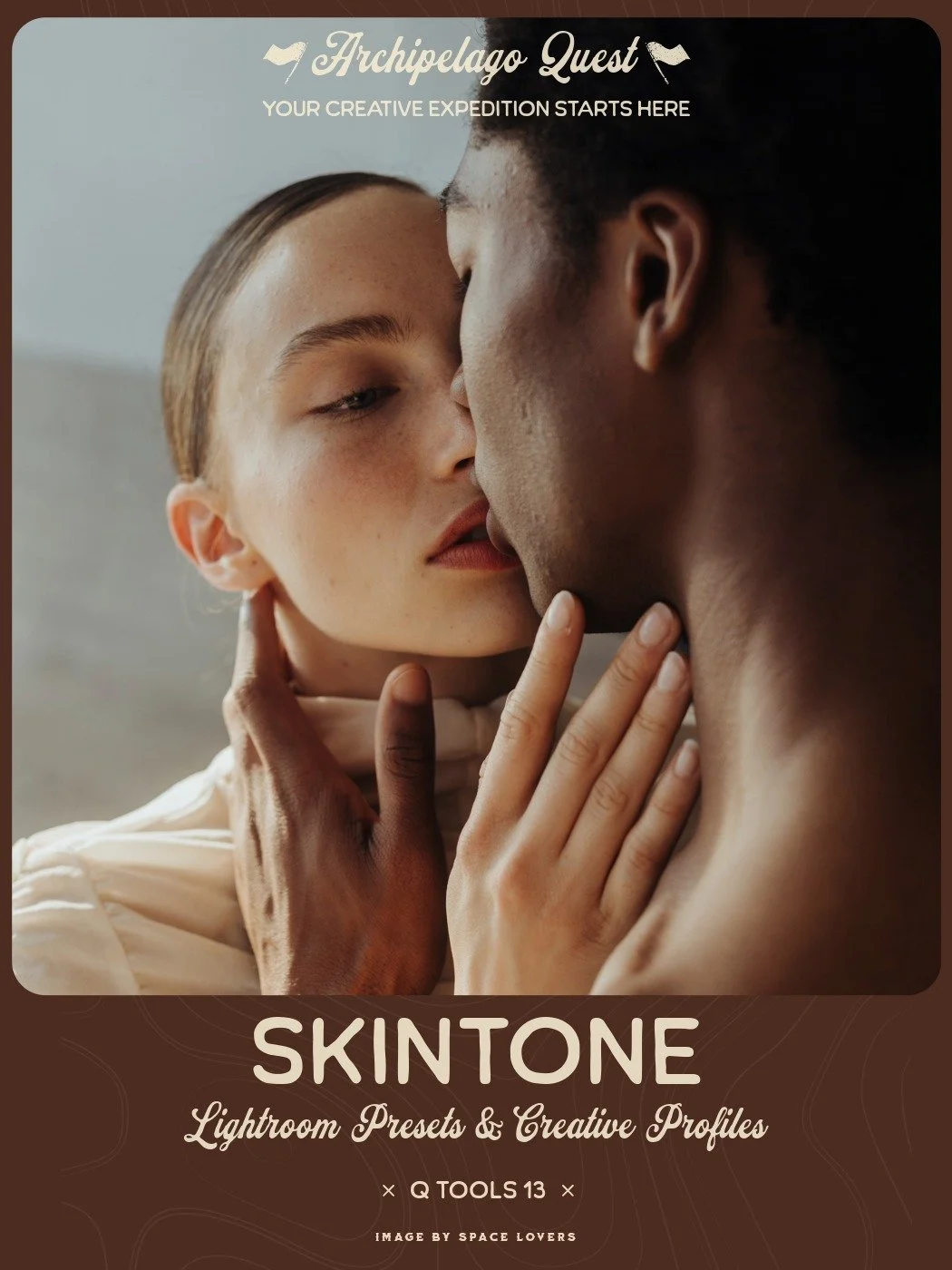
Skin is one of the most technically demanding elements in portrait editing. Small shifts in light or white balance can throw a complexion completely off, and no two subjects start from the same place. The Skintone Toolset gives you a dedicated system for bringing skin back into balance, covering the full range of human complexion from fair to ebony and addressing everything from ashen, washed-out tones to uneven, ruddy patches. The goal is consistency and richness - skin that looks like itself, just better.
The toolset is built in layers so you can work as broadly or as precisely as the image demands. Six tone-matched enhancement presets establish a clean, even baseline for each complexion range, nine modifiers let you dial in warmth, neutralize cast, or make targeted corrections from there, and three softening presets bring a polished, refined finish to the final result. Together they function less like a filter and more like a retouching workflow baked into a single toolset.
Skin is one of the most technically demanding elements in portrait editing. Small shifts in light or white balance can throw a complexion completely off, and no two subjects start from the same place. The Skintone Toolset gives you a dedicated system for bringing skin back into balance, covering the full range of human complexion from fair to ebony and addressing everything from ashen, washed-out tones to uneven, ruddy patches. The goal is consistency and richness - skin that looks like itself, just better.
The toolset is built in layers so you can work as broadly or as precisely as the image demands. Six tone-matched enhancement presets establish a clean, even baseline for each complexion range, nine modifiers let you dial in warmth, neutralize cast, or make targeted corrections from there, and three softening presets bring a polished, refined finish to the final result. Together they function less like a filter and more like a retouching workflow baked into a single toolset.
Claim this set with one monthly credit — enter your credit code at checkout and the $38 drops to zero. The full collection, yours to keep forever. Rather not use a credit? It's $38 at checkout without one.
"It was an absolute breeze to use. Love that you can increase or decrease the effect of each option, and I found the tonalities on point - Fair worked really well with fair skin, and so on. I tried every option from fair skin to mocha and ebony for darker skin, and wow, it's always been so difficult to get the right balance, especially with darker skin tones. The Shade option that helps with the shadows was amazing... it just lifted those shadows and highlights, creating an incredible balance. Both the saturation and Punch options were never extreme - they gave depth where needed without looking fake."
"What I appreciated most is that it feels more like a workflow than a traditional preset pack - designed to refine and correct skin while still letting me maintain my own editing style. The Ebony profile was easily my favorite. I tested it on several backlit bridal portraits where the skin tone was naturally darker and much of the facial detail was hidden in shadow, and it restored richness and dimension to the complexion without muddy shadows, excessive contrast, or unnatural color shifts. Lifting shadows on darker skin can quickly introduce gray or washed-out tones, but this maintained depth while bringing life back into the image."
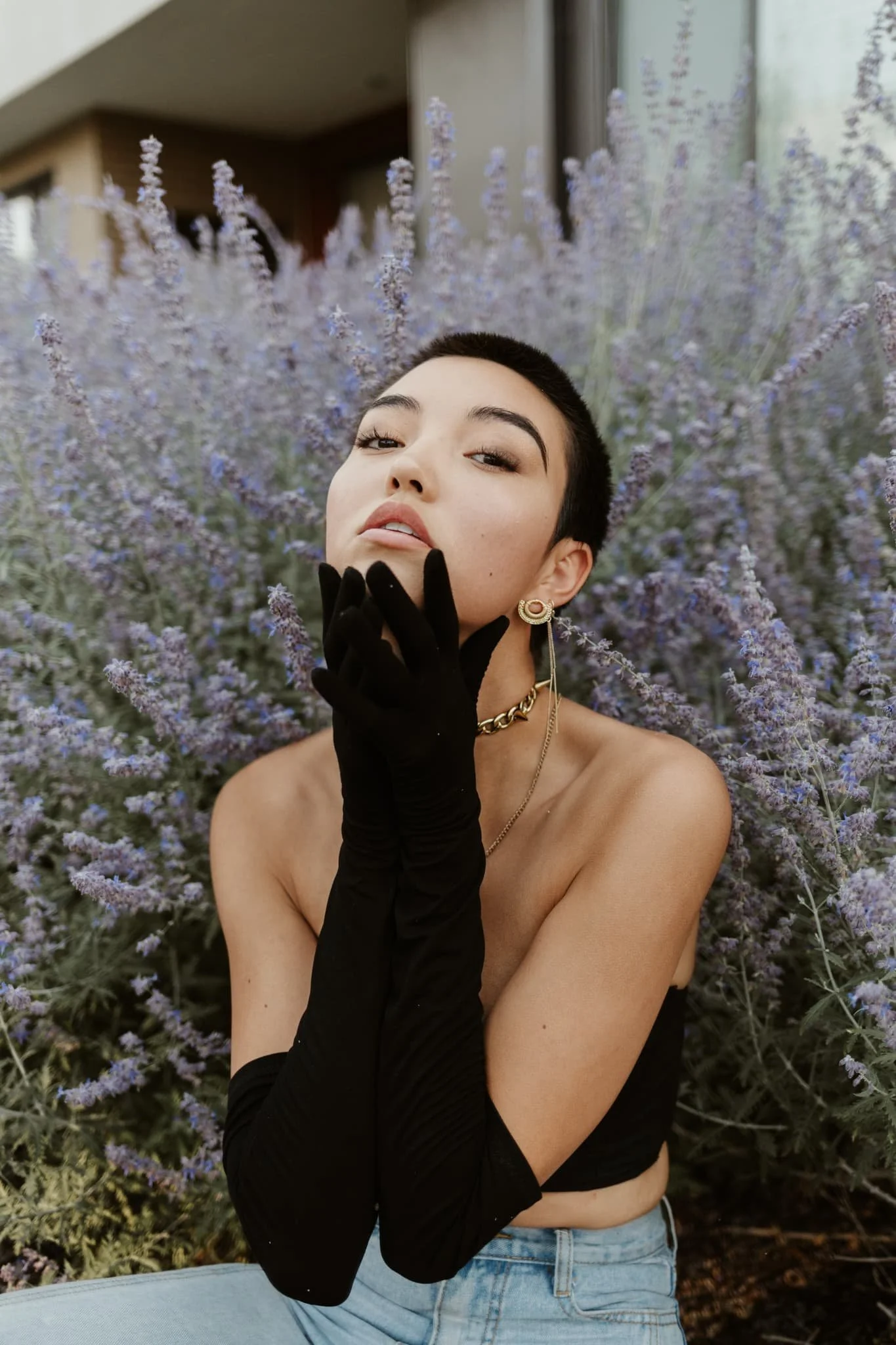
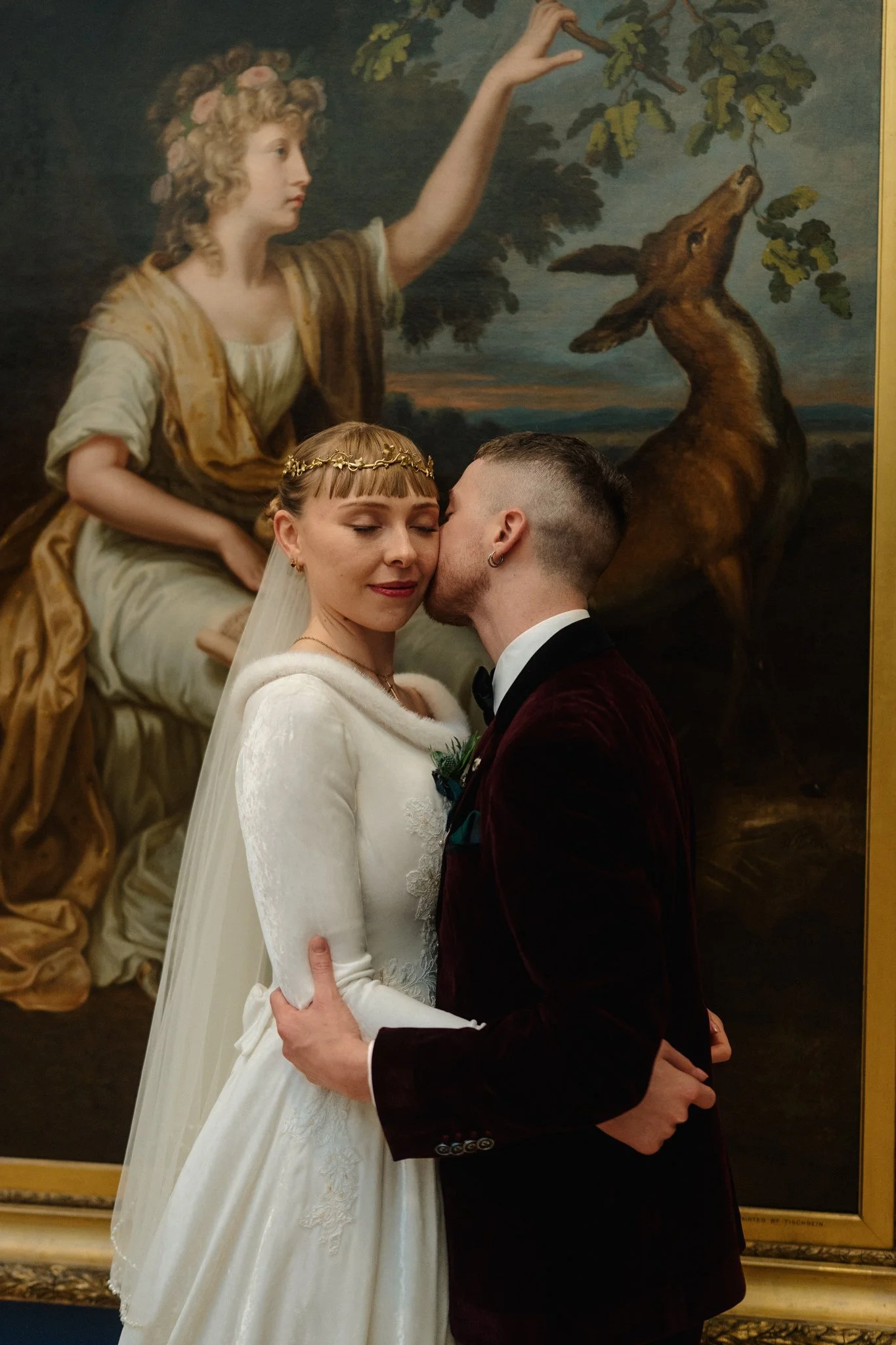
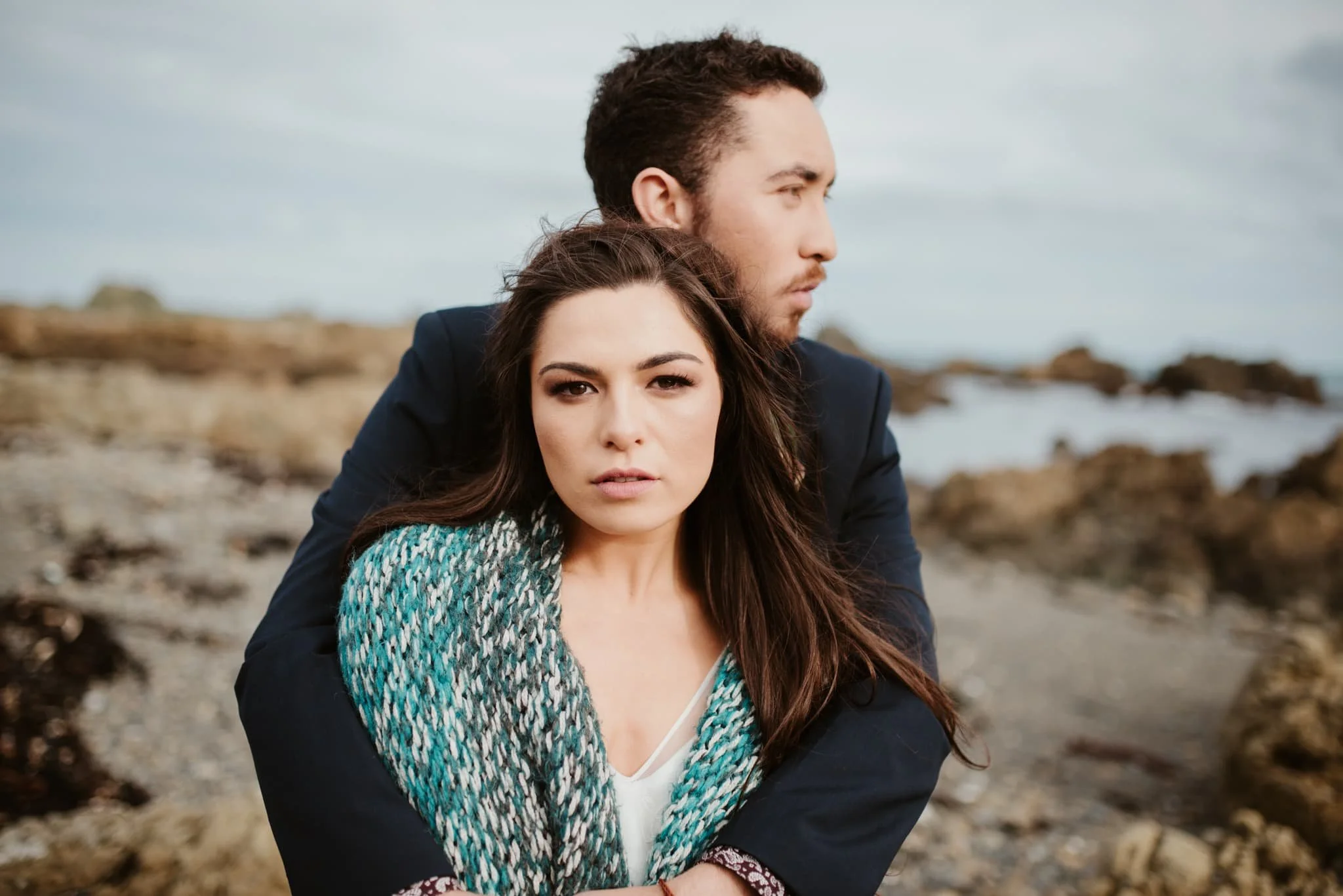
The Skintone Toolset in the Wild
Examples from photographers around the world. Hover to pause, drag to explore.