 Image 1 of 1
LENS EFFECTS • QUEST TOOLS 01
$64.00
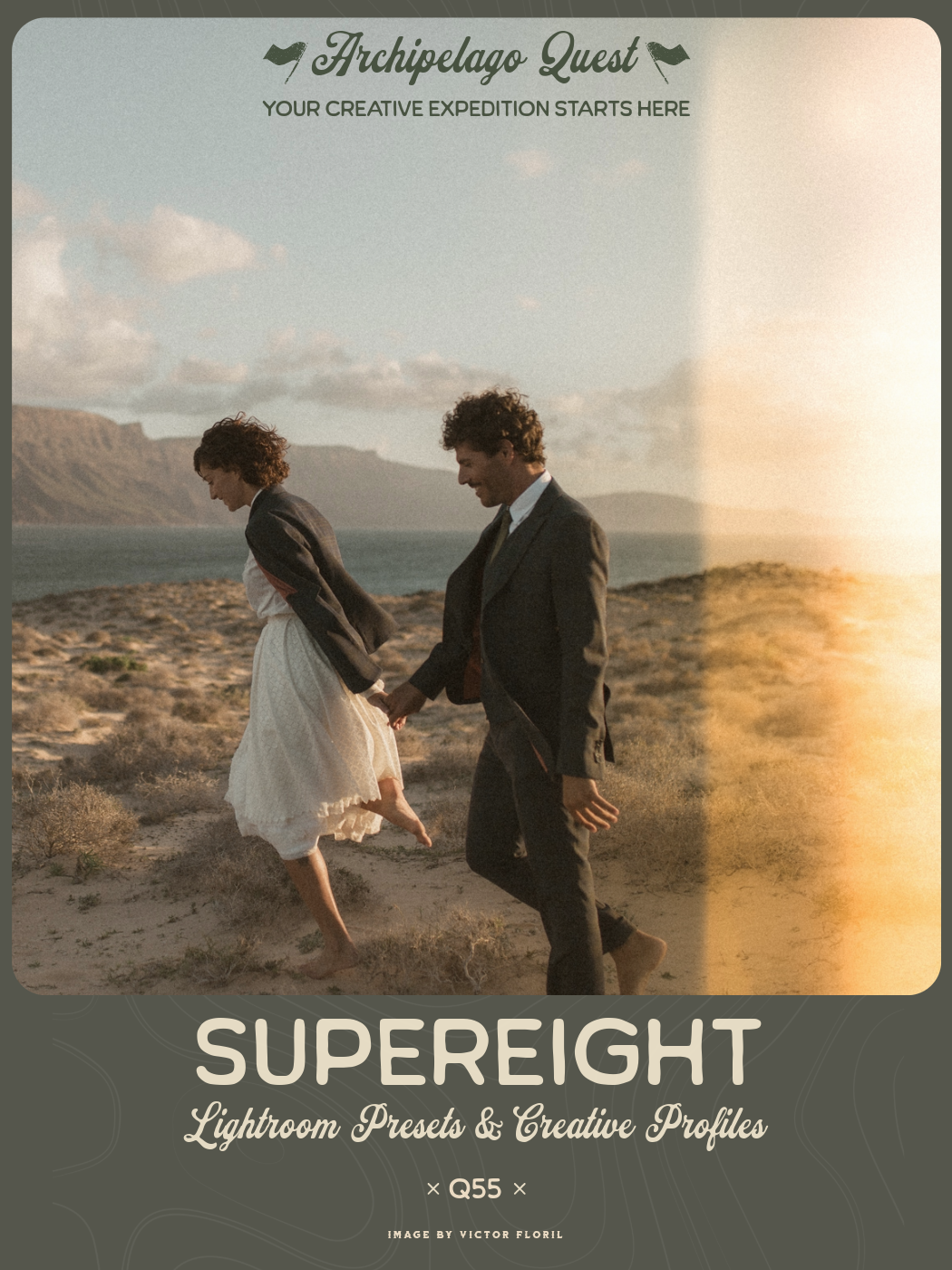
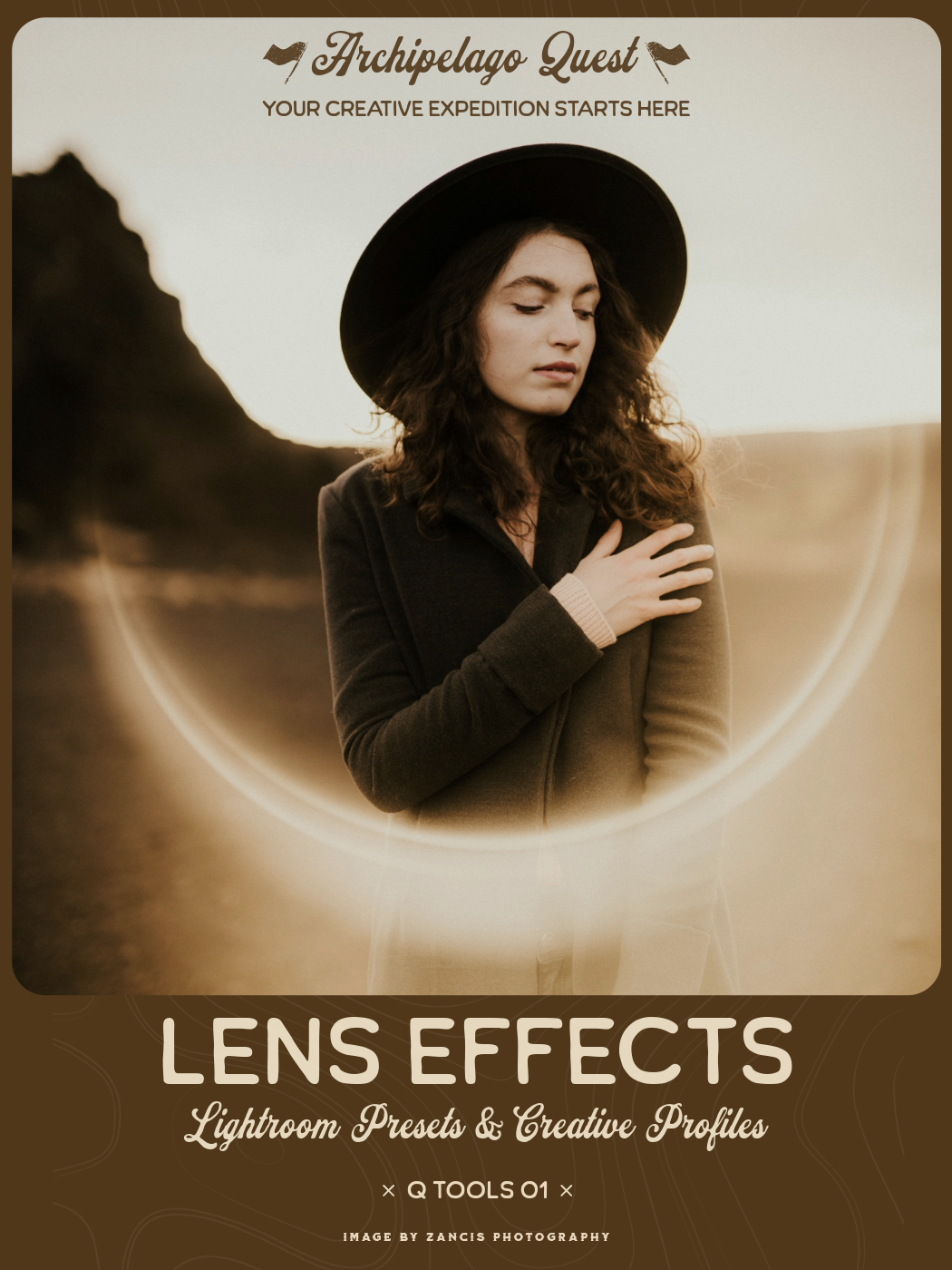
Quest Tools 01 – Lens Effects introduces a collection of six carefully crafted optical overlays designed to mimic the natural behavior of light interacting with a camera lens. Inspired by the subtle flares, reflections, and light blooms that occur when shooting into strong light sources, this set brings dynamic energy and cinematic character to your images.
Each preset features its own distinctive shape and personality, yet all share a cohesive visual language — allowing you to experiment with different flare styles while maintaining a consistent aesthetic across your work.
Designed with flexibility in mind, every effect can be repositioned, reshaped, and refined within Lightroom’s Masking Panel. This gives you precise control over placement, intensity, and composition, ensuring each flare feels naturally integrated into your scene.
Both horizontal and vertical versions are included to match your image orientation, along with color and black-and-white variations for seamless use across different editing styles.
From subtle atmospheric glow to bold cinematic flare, Lens Effects allows you to sculpt light within the frame — adding depth, movement, and visual drama with just a few adjustments.
SEE LE IN ACTION
Quest Tools 01 – Lens Effects introduces a collection of six carefully crafted optical overlays designed to mimic the natural behavior of light interacting with a camera lens. Inspired by the subtle flares, reflections, and light blooms that occur when shooting into strong light sources, this set brings dynamic energy and cinematic character to your images.
Each preset features its own distinctive shape and personality, yet all share a cohesive visual language — allowing you to experiment with different flare styles while maintaining a consistent aesthetic across your work.
Designed with flexibility in mind, every effect can be repositioned, reshaped, and refined within Lightroom’s Masking Panel. This gives you precise control over placement, intensity, and composition, ensuring each flare feels naturally integrated into your scene.
Both horizontal and vertical versions are included to match your image orientation, along with color and black-and-white variations for seamless use across different editing styles.
From subtle atmospheric glow to bold cinematic flare, Lens Effects allows you to sculpt light within the frame — adding depth, movement, and visual drama with just a few adjustments.
SEE LE IN ACTION