Pages of old books: well-loved, full of texture and warmth, and a little wear and tear here and there. Familiar as childhood tales told at bedtime, each chapter is like a worn-in pair of corduroys. Fable Presets elicit memories of your favorite tales, brought to life in 3 distinct Chapters, each telling a different story, but part of the same anthology.
Fable Chapter 01 - Rosy and romantic overall tone with olive greens, desaturated icy blues, and even, flattering skin tones
Fable Chapter 02 - Gilded variation with tea stained overtones, Pacific blues, spring greens, and lightly crushed highlights and shadows
Fable Chapter 03 - Neutral variation with muted highlights and subtly lifted shadows. True skin tones, robin's egg blues, verdant greens
FABLE - SETTING Profile - Increase the profile for extra rich depth with deepened shadows and blacks. Decrease the profile for added airiness, with less contrast and lifted shadows.
Drama - Uses Adobe AI background detection to deepen the background and draw attention to the protagonist(s) of your image
Aged Paper - Tone - Gives your image the faded quality of old paper, slightly sun-bleached and worn
Aged Paper - Dust & Scratches - Adds white dust & scratches to the image, reminiscent of sunlight catching particles of dust in a library
Aged Paper - Torn Edge - Adds a torn edge to the bottom of the image, like a page ripped from your favorite storybook
Aged Paper - Water Stains I & II - Water spots throughout the image, with extra water damage look around the edges of the "page"
Fable Presets also include other tools that adds to the drama, texture, and tone of folktales and stories. The included grain mimics the texture of book paper, subtle from afar yet tangible upon inspection.
SEE FABLE IN ACTION
Pages of old books: well-loved, full of texture and warmth, and a little wear and tear here and there. Familiar as childhood tales told at bedtime, each chapter is like a worn-in pair of corduroys. Fable Presets elicit memories of your favorite tales, brought to life in 3 distinct Chapters, each telling a different story, but part of the same anthology.
Fable Chapter 01 - Rosy and romantic overall tone with olive greens, desaturated icy blues, and even, flattering skin tones
Fable Chapter 02 - Gilded variation with tea stained overtones, Pacific blues, spring greens, and lightly crushed highlights and shadows
Fable Chapter 03 - Neutral variation with muted highlights and subtly lifted shadows. True skin tones, robin's egg blues, verdant greens
FABLE - SETTING Profile - Increase the profile for extra rich depth with deepened shadows and blacks. Decrease the profile for added airiness, with less contrast and lifted shadows.
Drama - Uses Adobe AI background detection to deepen the background and draw attention to the protagonist(s) of your image
Aged Paper - Tone - Gives your image the faded quality of old paper, slightly sun-bleached and worn
Aged Paper - Dust & Scratches - Adds white dust & scratches to the image, reminiscent of sunlight catching particles of dust in a library
Aged Paper - Torn Edge - Adds a torn edge to the bottom of the image, like a page ripped from your favorite storybook
Aged Paper - Water Stains I & II - Water spots throughout the image, with extra water damage look around the edges of the "page"
Fable Presets also include other tools that adds to the drama, texture, and tone of folktales and stories. The included grain mimics the texture of book paper, subtle from afar yet tangible upon inspection.
SEE FABLE IN ACTION
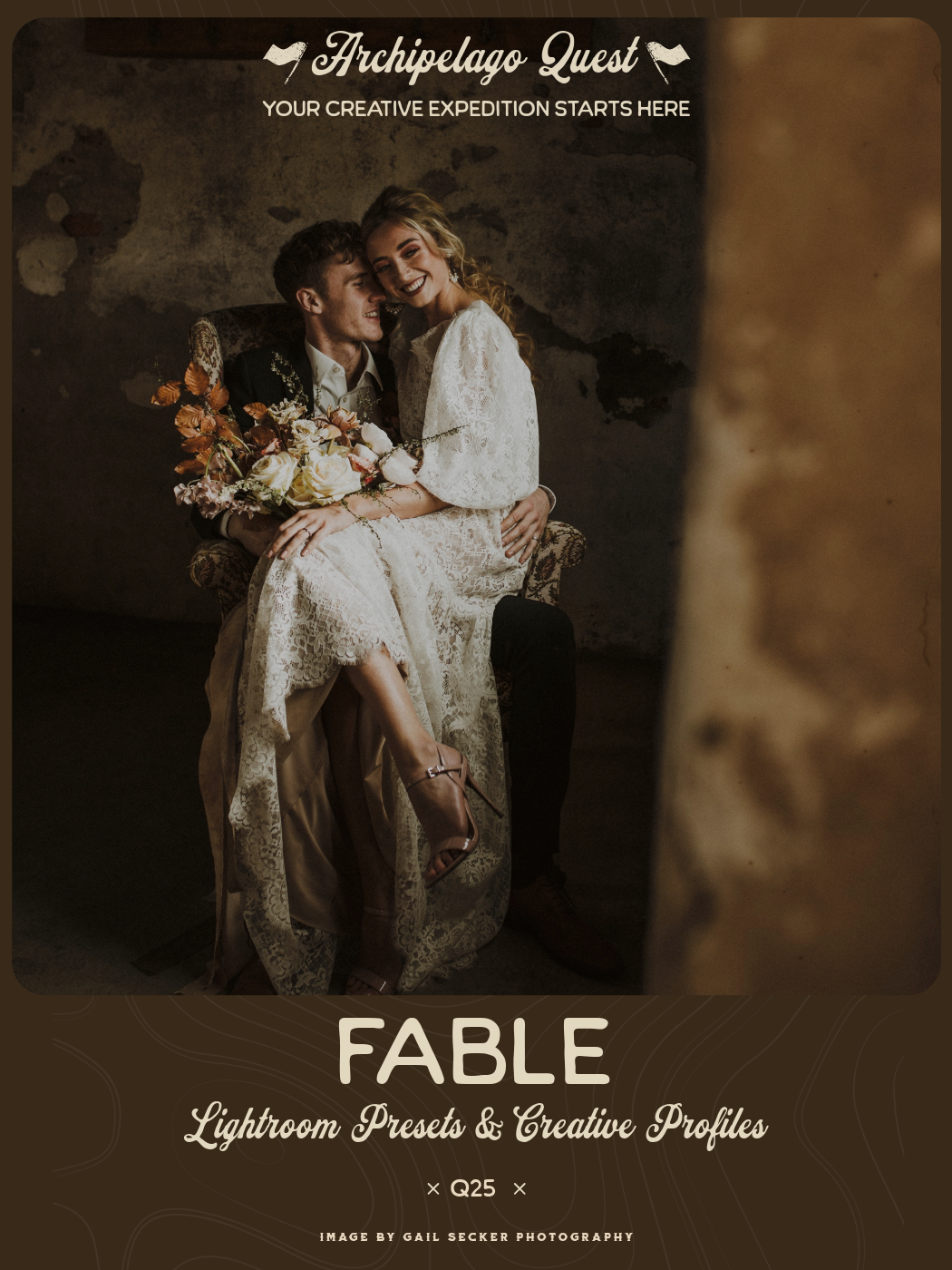 Image 1 of 1