Inspired by the rich natural history of England’s ancient woodlands, Arbor explores a range of tones, from soft, dappled light filtering through the canopy, to the deep greens of fern leaves and contrasting patches of bluebells. The Arbor creative profile adds richness and depth to the image along with a warm nectar overtone. Subject Pop uses AI-driven subject recognition to selectively darken the background, emphasising the focal point of your image.
AQ18 i / Arbor - Warm russet shadows and prominent alder green tones, with faded blues and saturated reds.
AQ18 ii / Arbor - Dark, desaturated greens and teal toned blues, paired with neutral skin tones.
AQ18 iii / Arbor - Amber overtones, distinct fern greens and pale reds with a soft matte finish.
Subject Pop - Adds mask layer to darken background without affecting subject
Tone Mask 1 - Adds mask layer with warm golden tones
Tone Mask 2 - Adds mask layer with cooler tones
Tone Mask 3 - Adds mask layer with magenta tones
Tone Mask Reset - Resets Tone Mask layers
SEE ARBOR IN ACTION
Inspired by the rich natural history of England’s ancient woodlands, Arbor explores a range of tones, from soft, dappled light filtering through the canopy, to the deep greens of fern leaves and contrasting patches of bluebells. The Arbor creative profile adds richness and depth to the image along with a warm nectar overtone. Subject Pop uses AI-driven subject recognition to selectively darken the background, emphasising the focal point of your image.
AQ18 i / Arbor - Warm russet shadows and prominent alder green tones, with faded blues and saturated reds.
AQ18 ii / Arbor - Dark, desaturated greens and teal toned blues, paired with neutral skin tones.
AQ18 iii / Arbor - Amber overtones, distinct fern greens and pale reds with a soft matte finish.
Subject Pop - Adds mask layer to darken background without affecting subject
Tone Mask 1 - Adds mask layer with warm golden tones
Tone Mask 2 - Adds mask layer with cooler tones
Tone Mask 3 - Adds mask layer with magenta tones
Tone Mask Reset - Resets Tone Mask layers
SEE ARBOR IN ACTION
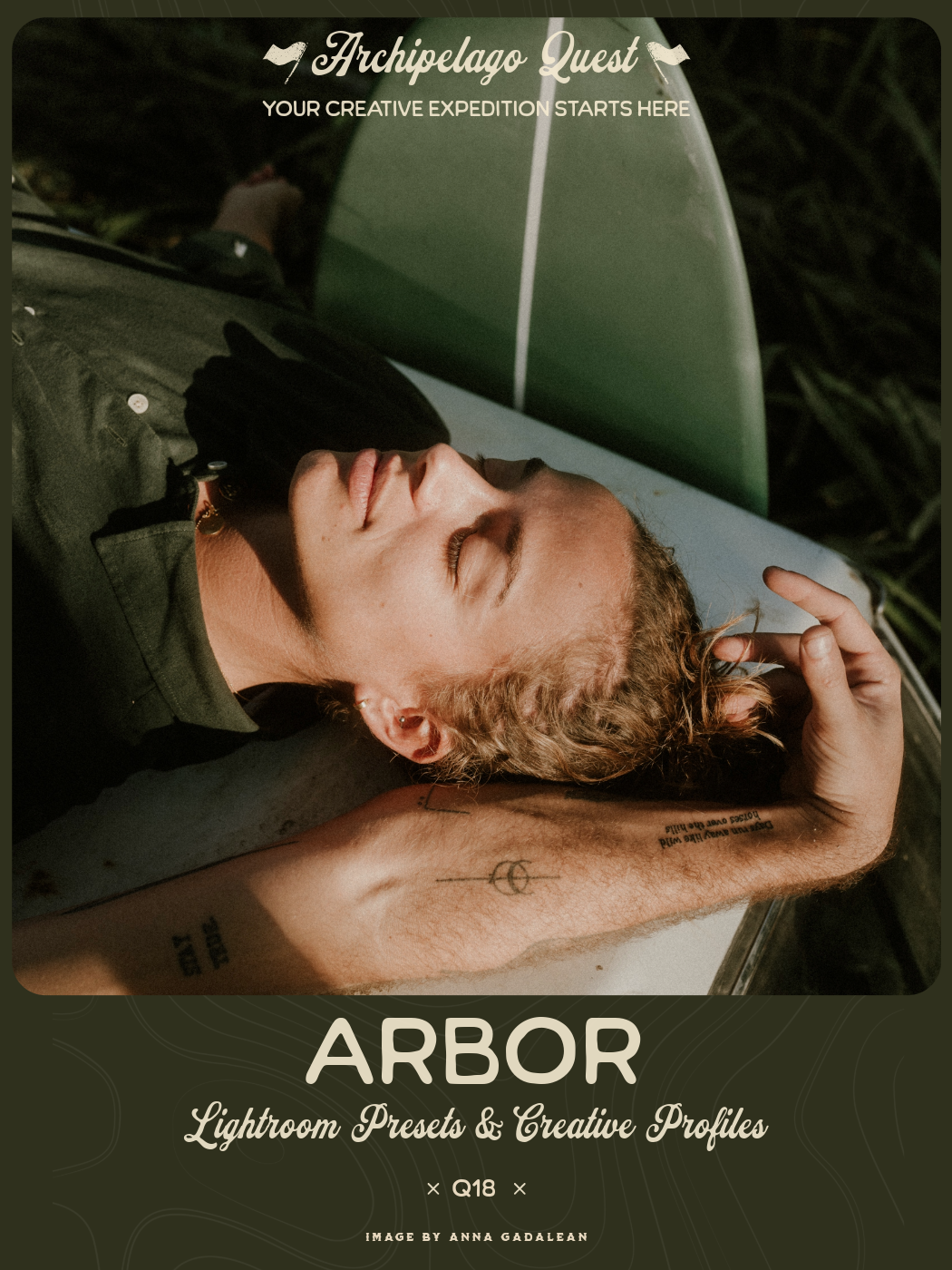 Image 1 of 1