Quest Tools 13 - Skintone Toolset
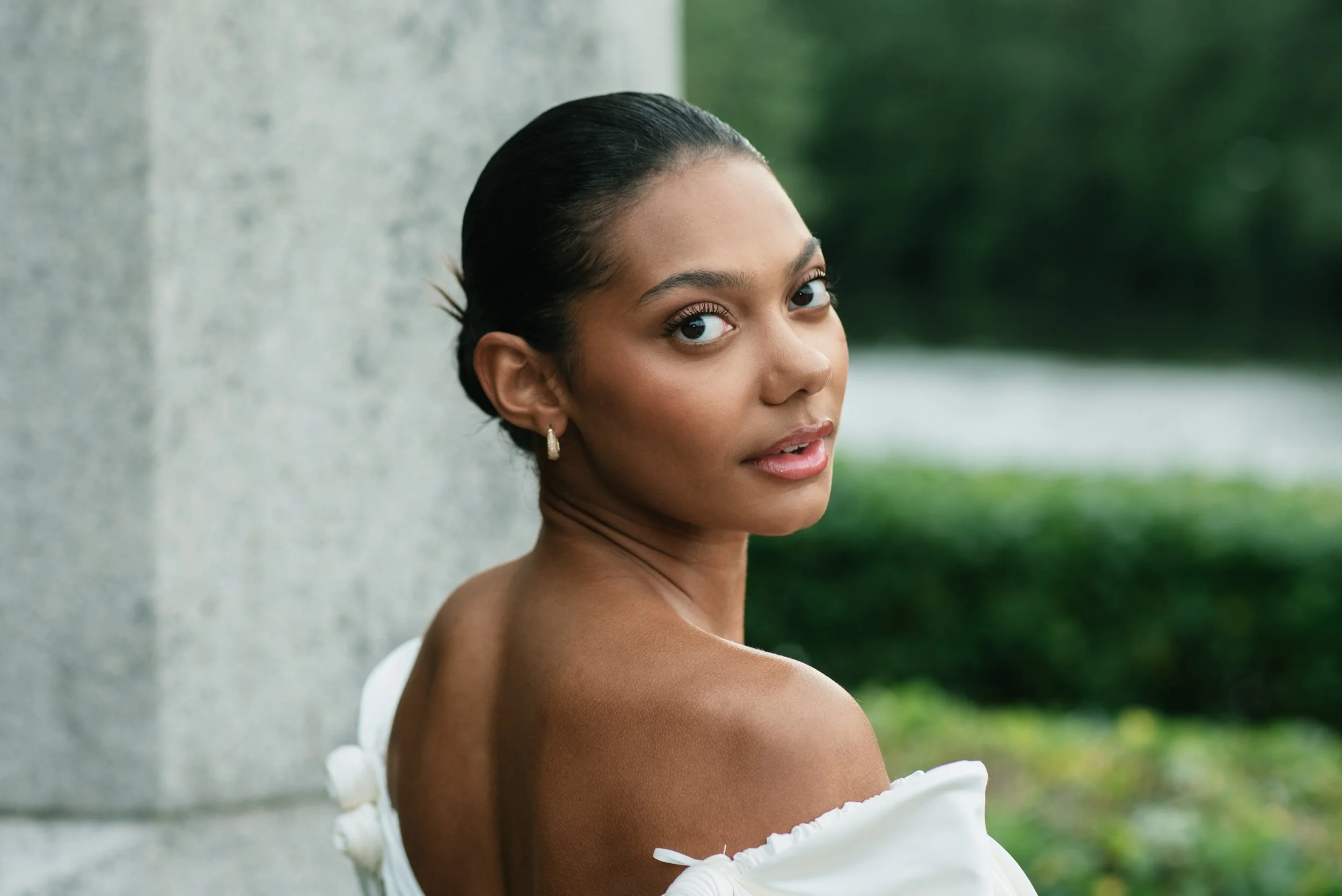
Photo by Jakub Repec - Edited with Enhance - Bronze & Soften +
bringing skin back into balance
The Skintone Toolset gives you a dedicated system for bringing skin back into balance, covering the full range of human complexion from fair to ebony and addressing everything from ashen, washed-out tones to uneven, ruddy patches. The goal is consistency and richness — skin that looks like itself, just better.
Before & AfterS
The toolset is built in layers so you can work as broadly or as precisely as the image demands. Six tone-matched enhancement presets establish a clean, even baseline for each complexion range, eight modifiers let you dial in warmth, neutralize cast, or make targeted corrections from there, and three softening presets bring a polished, refined finish to the final result. Together they function less like a filter and more like a retouching workflow baked into a single toolset.

Photo by Valeriya Kulaeva - Unedited

Edited with Enhance - Fair & Punch +
Consistent, rich, true-to-life skin — across every subject you shoot.
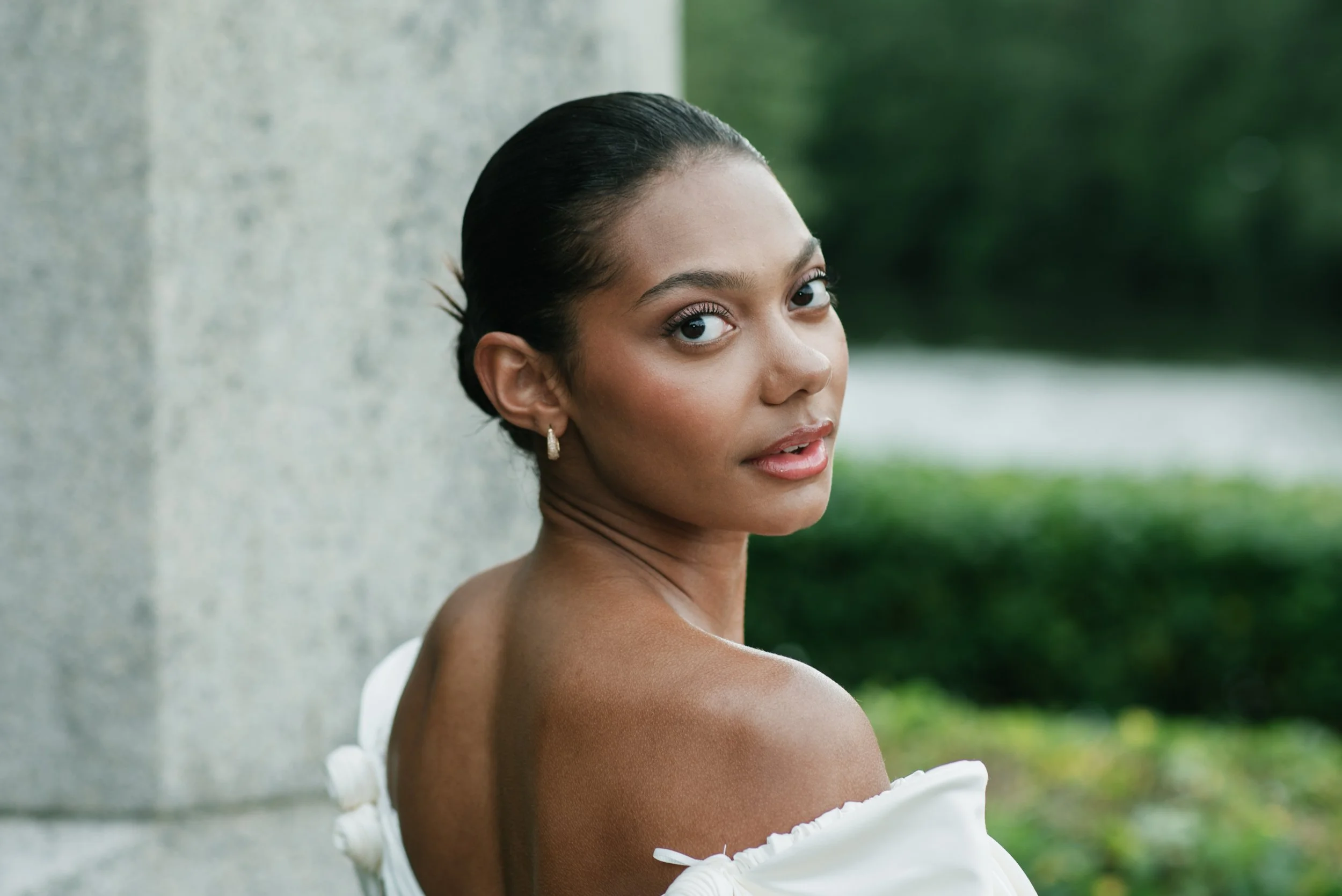
Photo by Jakub Repec - Unedited
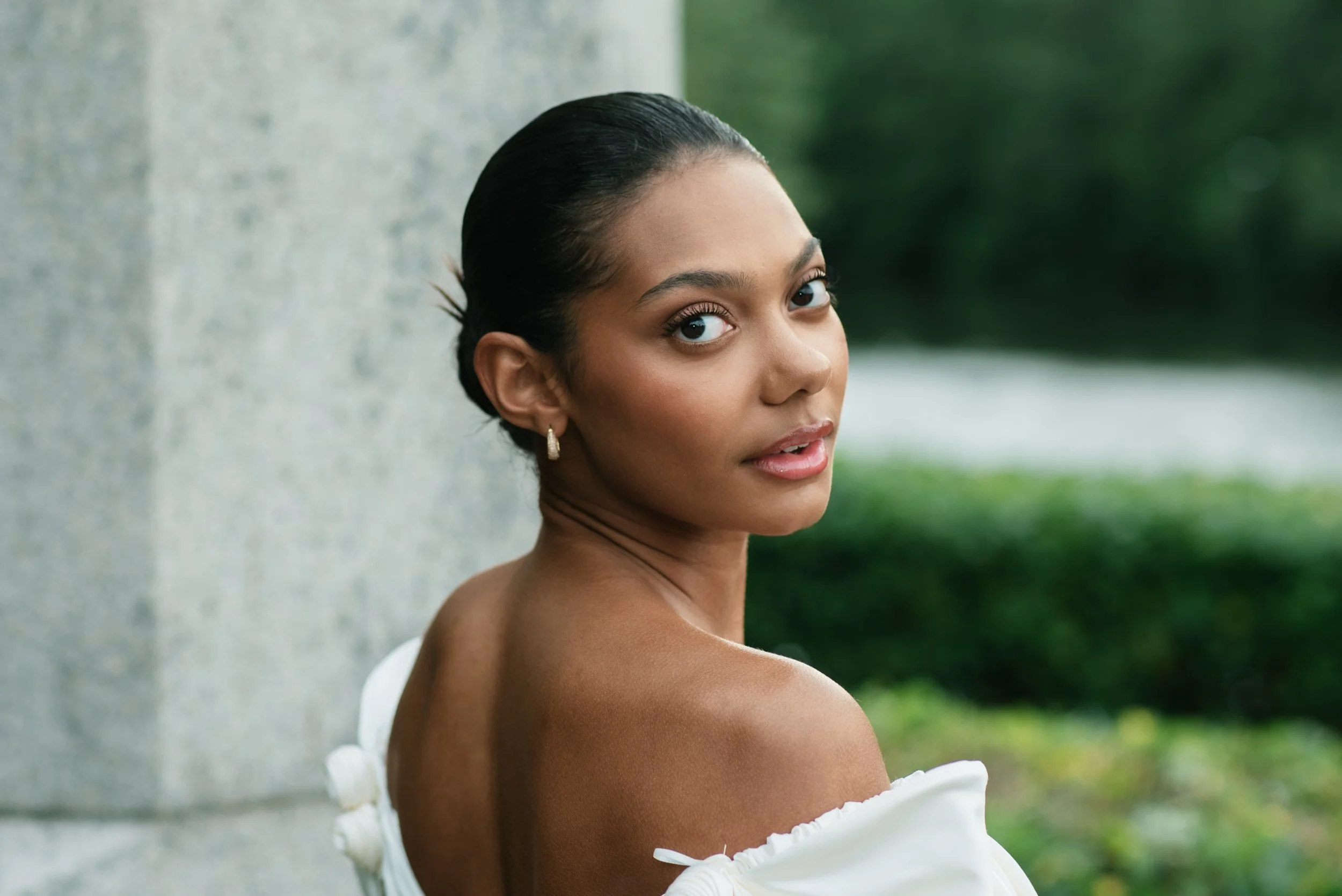
Edited with Enhance - Bronze & Soften +
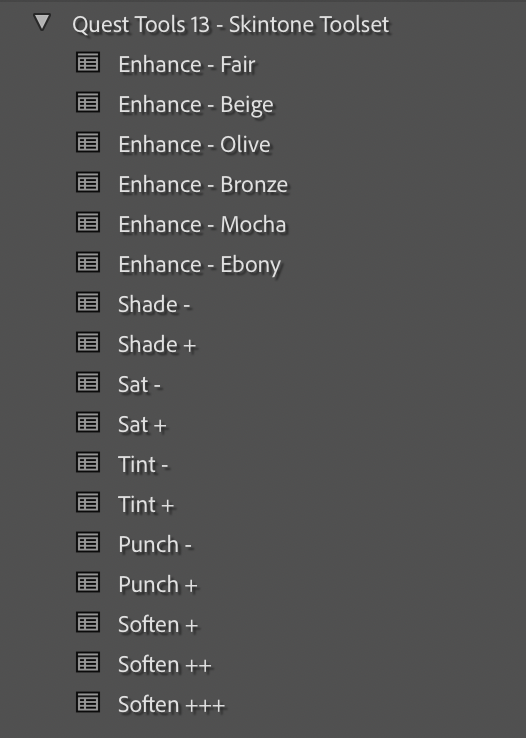
Start with 6 tone-matched enhancement presets, fine-tune with 8 modifiers, and finish with 3 softening presets — everything you need to dial skin in from first pass to final polish.