Presets to Add Mist and Atmosphere

Image by Chelsey Selby
Edited with Legend & Lore, tools from Quest 31 Mythos, Quest 07 Obscura, and Quest Tools 02 - Essentials
No better time than the present to add an aura of mystery to your edits with mist, fog, or atmosphere!!
We’ve rounded up all the Quest presets that help you add atmospheric effects— from the obvious Mist presets in Quest 20 Orphic and Quest 31 Mythos, to the 3 incredible Atmosphere preset tools in Quest Tools 02 - Essentials!
ORPHIC PRESETS
One-click mist— need we say more? Orphic includes the revolutionary Mist preset that transforms the background of your image into a swirling wall of fog. Use the preset slider to adjust the strength of the mist to really dial in your edit!
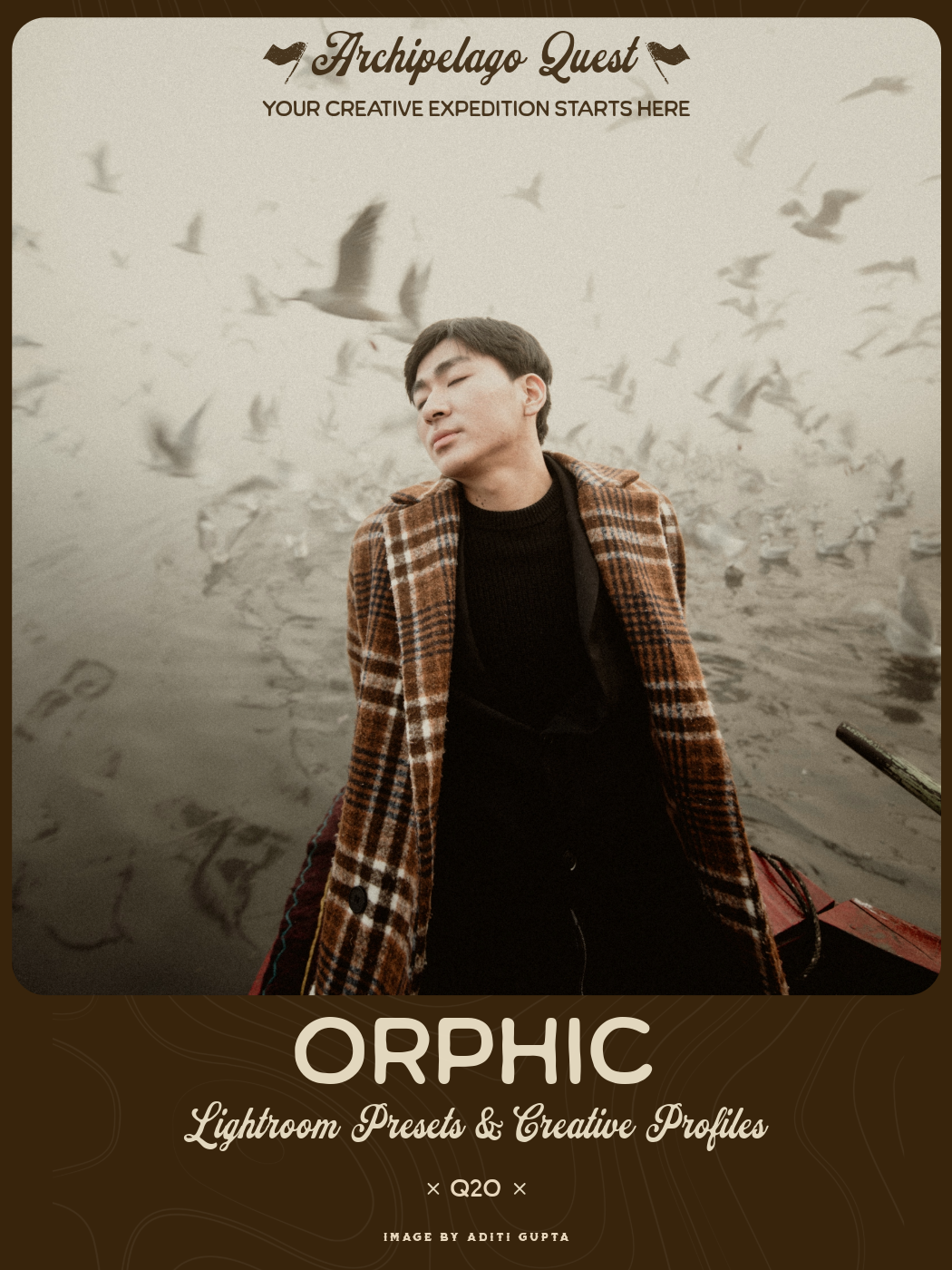
Entrancing, dark, and mysterious; Orphic delivers a powerful collection of presets using the latest Adobe AI technology to help create the dark & moody images you’ve dreamed of. The 3 color presets included fade from cool & neutral tonality into a bold warmth giving you a simplistic variety that will translate across your entire body of work. Also included is a one-of-a-kind B+W preset, mirroring the features of its counterparts, while providing a uniquely toned aesthetic. Lastly, the AI tools featured with Orphic not only provide transformative lighting, but the ability to add a realistic Mist effect to any image. Explore the darkest corners of your creativity with Orphic.
AQ20 i / Orphic: Smoky blues with rose toned skin. A pale atmosphere with deep shadows & muted highlights. The default AI pushes your subject from the background with natural dynamic blending.
AQ20 ii / Orphic: A push in warmth delivers rich ochre tones atop the base preset.
AQ20 iii / Orphic: A heavy push in warmth delivers gilded bronze tones atop the base preset.
AQ20 iv/ Orphic: A B+W rendition of the base preset that emphasizes subject isolation while featuring subtle pewter shadows and sandstone highlights.
Orphic Profile: A simple dynamic fade in contrast preserving tonality.
☾ - Adjusts Orphic's subject and background layers to bring added mood and darkness to the image
✷ - Adjusts Orphic's subject and background layers to lighten the vignettes and background
꩜ - Adds realistic mist mask layer to background of image without affecting subject
MYTHOS PRESETS
November’s all black and white preset collection comes with 3 Low Mist preset variations! Great to use for that fog that hangs out in valleys and along forest floors!

Image by Bernadeta Kupiec
Edited with Quest 31 Mythos
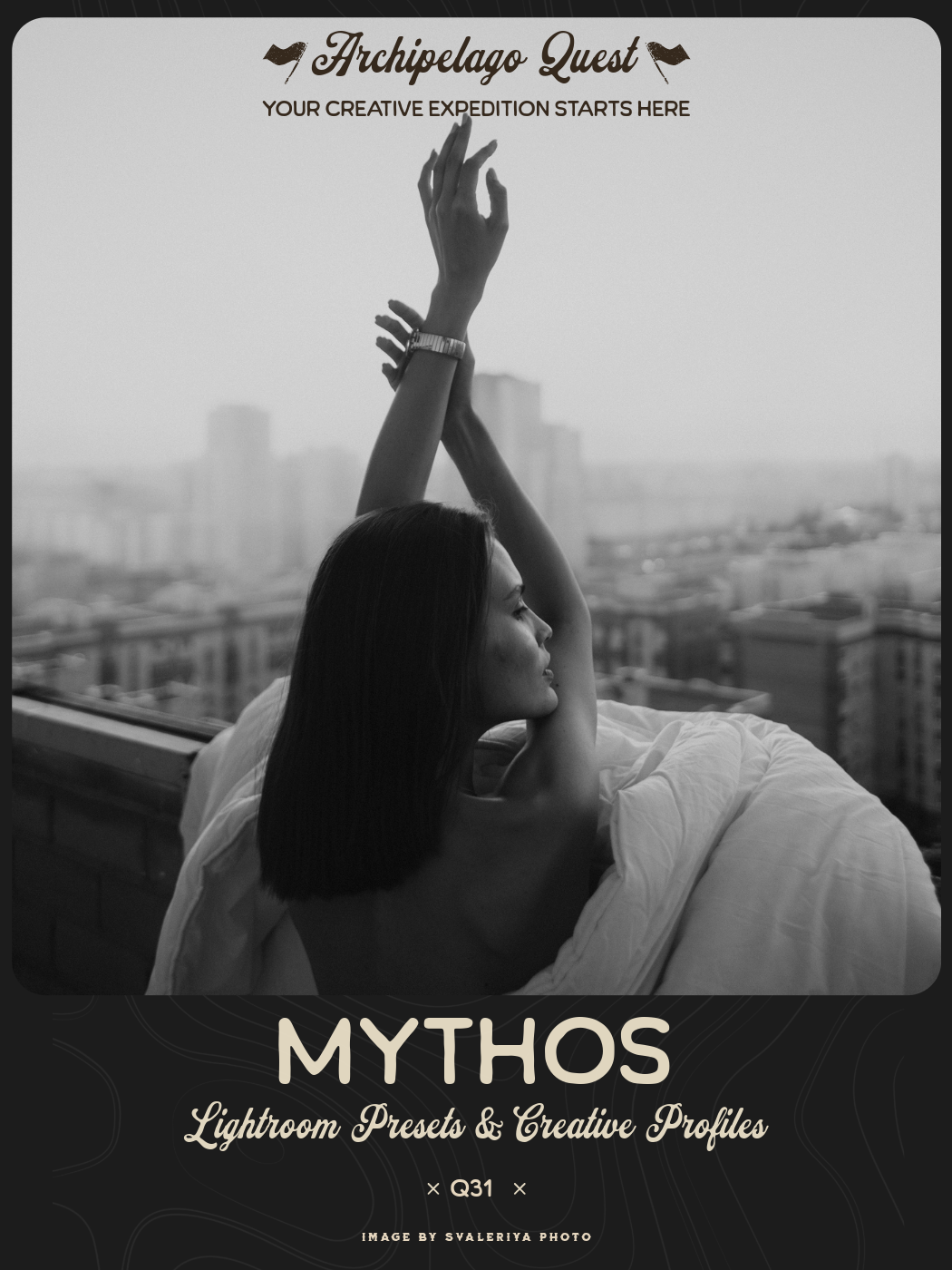
Mythos is a concept that refers to the imaginative and storytelling realm where artists, writers, and creators draw inspiration, craft narratives, and bring their ideas to life. The Mythos black and white preset collection is an invitation to embark on a creative journey where the boundaries between imagination and reality blur. These presets encourage us to explore the depths of our creativity and craft rich, timeless stories within our images. Mythos transcends being just a preset collection; it’s a reminder that the power of imagination can transform the world into a canvas where every moment holds the potential to become a masterpiece.
Mythos 01 - Neutral-toned black and white with a modern, contrasty dynamic.
Mythos 02 - Soft black and white with a broad greyscale and subtle green cast.
Mythos 03 - Rich, contrasty black and white with a syrupy, warm tonality.
Mythos 04 - Heavily muted black and white preset that provides a dose of nostalgia.
BW Filters - Replicate the dynamics achieved using black and white lens filters. Use these 4 presets with the preset amount slider to shape the black-and-white conversion.
Low Mist - Offers 3 variations of a rolling mist-like effect that applies to the background of your photo. Move and adjust the intensity in Lightroom’s Masking Panel.
Quintessence - Darkens the background and brings focus to your subject.
Aether - Brings a magical softness to the background of your image, providing a dreamy aesthetic.
Mythos Border - Adds a gritty tintype-style border complete with dust and scratches.
quest Tools 02 - Essentials
The Essentials toolkit is every photographer’s Swiss army knife of tools! We keep this set under Current Quest Presets for a reason— every new member should get a chance to download this set! In addition to quick 1-click presets to adjust Grain, Lens Correction, and Tone Mix, there are 3 Atmosphere presets in varying degrees of intensity that add a soft look to your image and bloom the highlights! This effect is perfect to add, like the name says, Atmosphere!
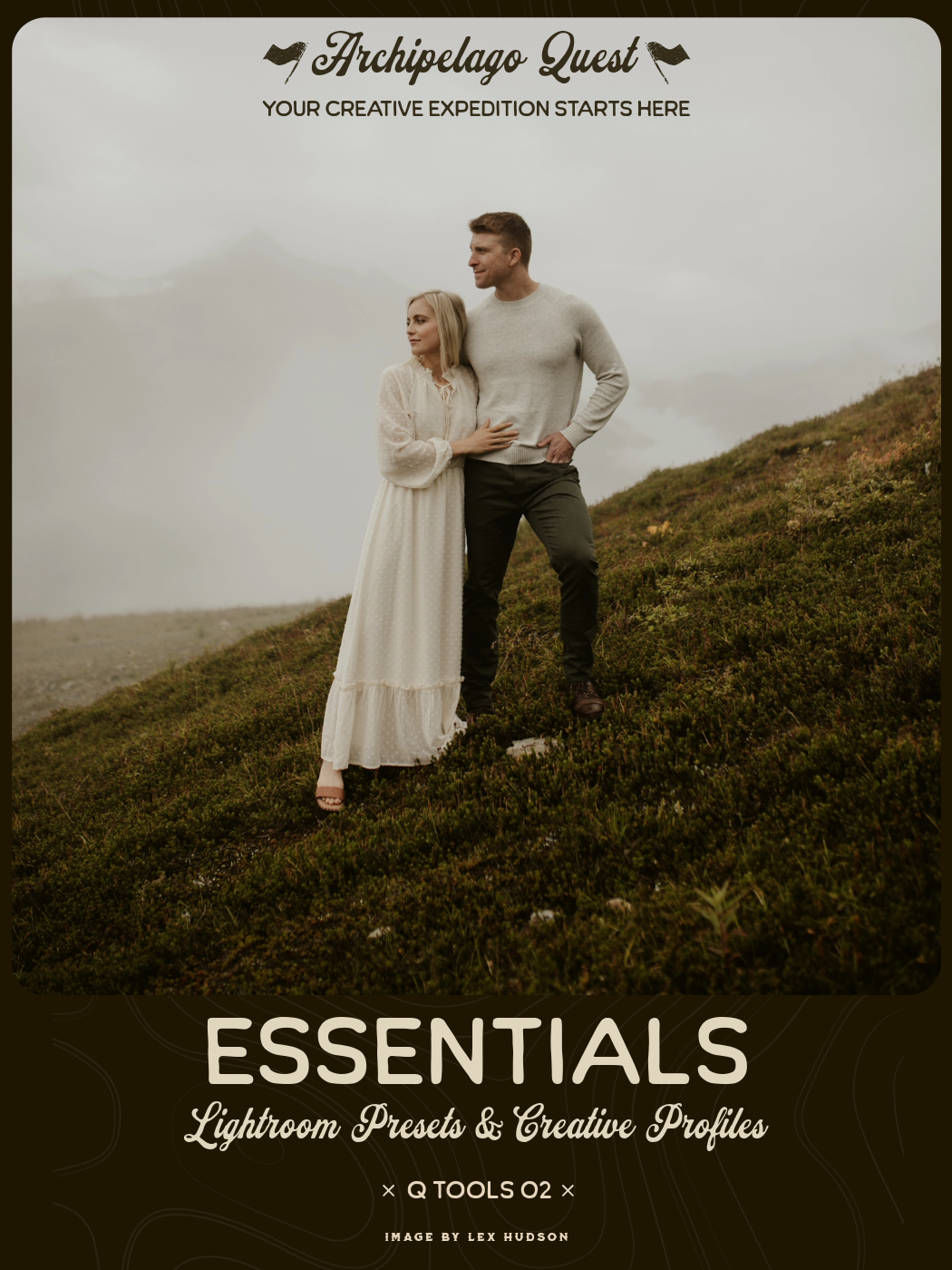
Every strong image begins with a solid foundation.
Quest Tools – Essentials is the core toolkit built to simplify your workflow and refine your results with speed and precision. Designed as the backbone of your editing process, this collection brings balance, correction, and subtle creative control into one streamlined set.
From technical adjustments to atmospheric finishing touches, Essentials removes friction from your workflow — so you can focus on vision, not sliders.
Included are foundational correction tools such as Auto White Balance, Transform & Level, and Lens Correction — crafted to quickly restore accuracy and structure to your frame.
Alongside these utilities, you’ll find creative refinements including Grain, Atmosphere, and curated Tone Mixes — allowing you to add texture, depth, and character without disrupting the integrity of your image.
Whether you're polishing a professional project or refining a personal capture, Essentials delivers clarity, control, and cohesion in just a few clicks.
Because powerful edits don’t have to be complicated — they just need the right tools.

Image by Cecilia Nava
Edited with Quest 27 Serenus 01, Atmosphere 3
QUEST 07 OBSCURA
Quest 07 Obscura, which can be found in our Quest compendium, Quest Volume 1 - Q01-Q12, is not only a glowy, dreamy, and romantic cinematic preset collection, it also includes the Obscura profile and Obscura Radial Filter that add a foggy, highlight bloom effect. Use the profile to add the effect to the edges of your image, similar to photographing through a plastic bag or cling wrap. Use the Radial Filter to add the effect to specific areas of your photo, like between trees where light is coming through, or over light sources.

Image by Brittany DeJesus
Edited with Quest 07 Obscura
More Atmosphere and Haze
Some other Quest preset collections that have preset tools included that add a lil’ somethin’ ethereal to your images are:
Quest 15 Opalescent - the Dreamy preset adds a beautiful diffused effect. Use a Subject Mask if you want to keep your subject separate from the Dreamy effect!
Quest 23 Odeon - the Cinematic Haze preset adds creative haze to the highlights of your image.
Quest Tools 05 - Snowfall - One of the Snowfall variations includes a mist overlay to add wintery snow AND fog at the same time!

Image by Ieva Marijia
Edited with Legend & Lore, Quest Tools 05 - Snowfall
What’s your favorite preset to add atmospheric mood? Let us know in the comments!