Backdrop Toolset - Sneak Peek

Photo by Gary Crowson - Edited with Honey, Backdrop Lighten and Botanica 01
A new way to set the scene. This toolset lets you colorize the backdrop in your studio portraits or still life work, swapping a plain background for one of nine curated tones with a single click. Built on Adobe’s background detection, the set keeps your subject untouched while transforming the space behind them, so you can match a backdrop to the mood of the shoot without ever touching a roll of paper.
Photo by Liam Rimmington - click through the following images to see backdrop colours included.
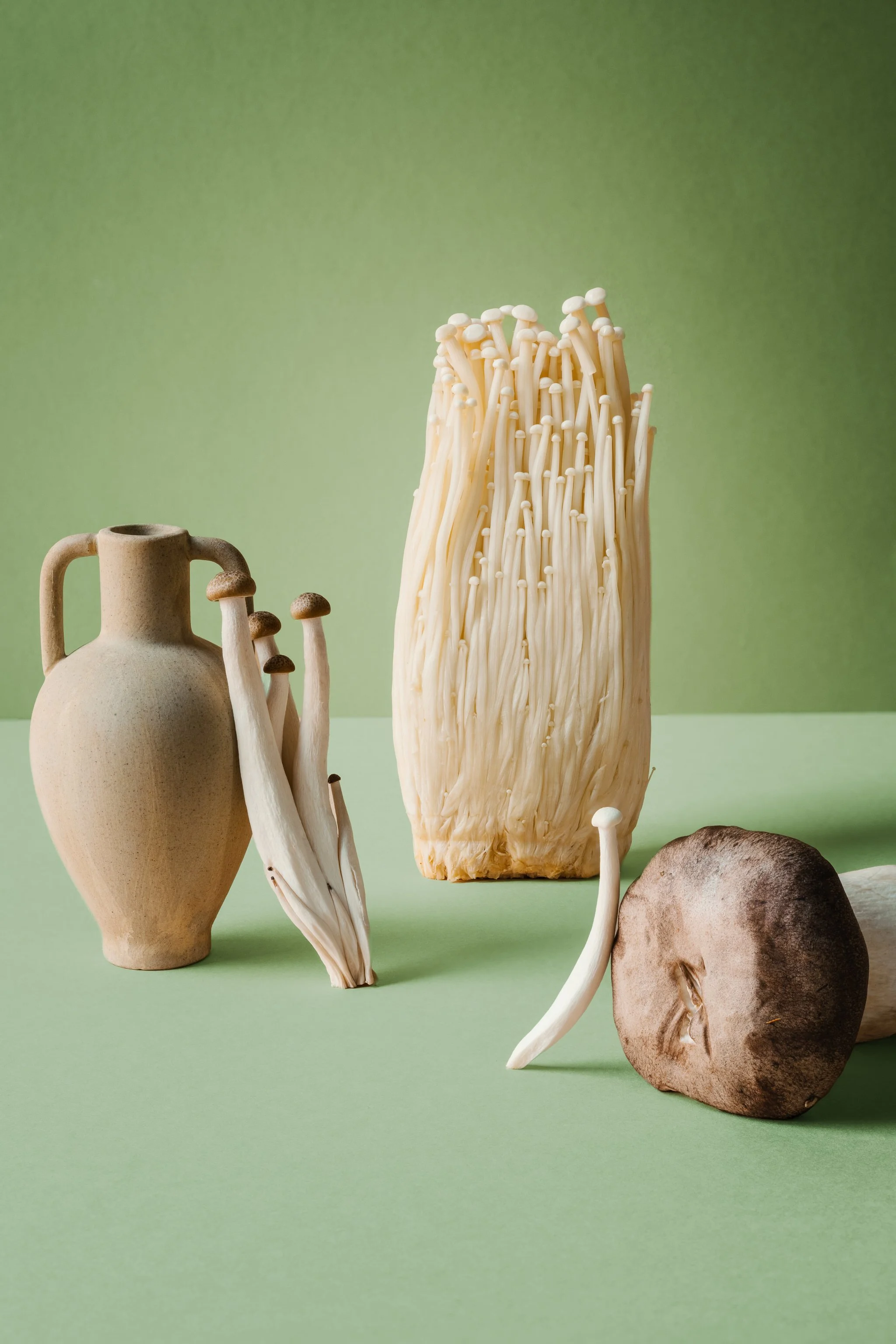
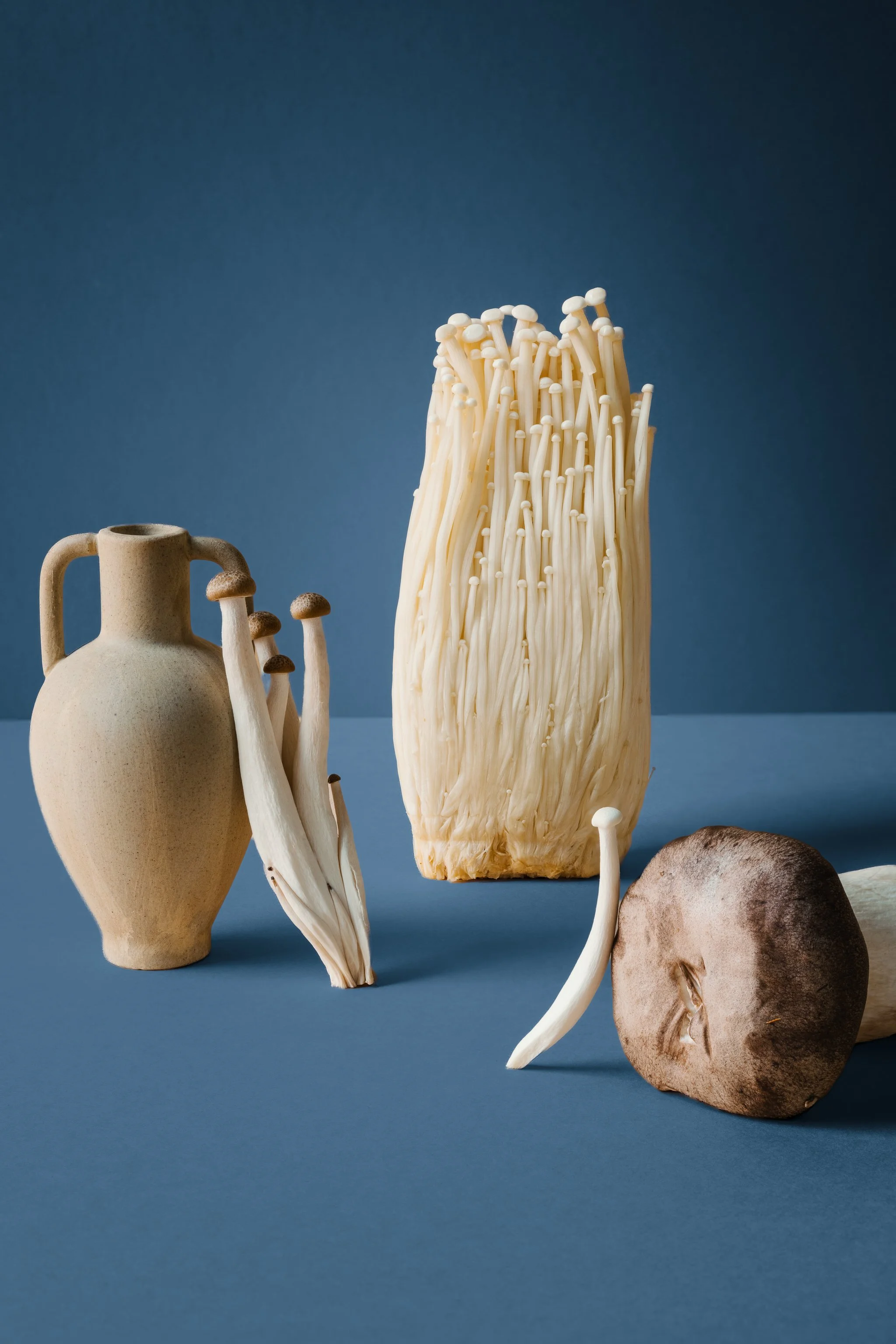
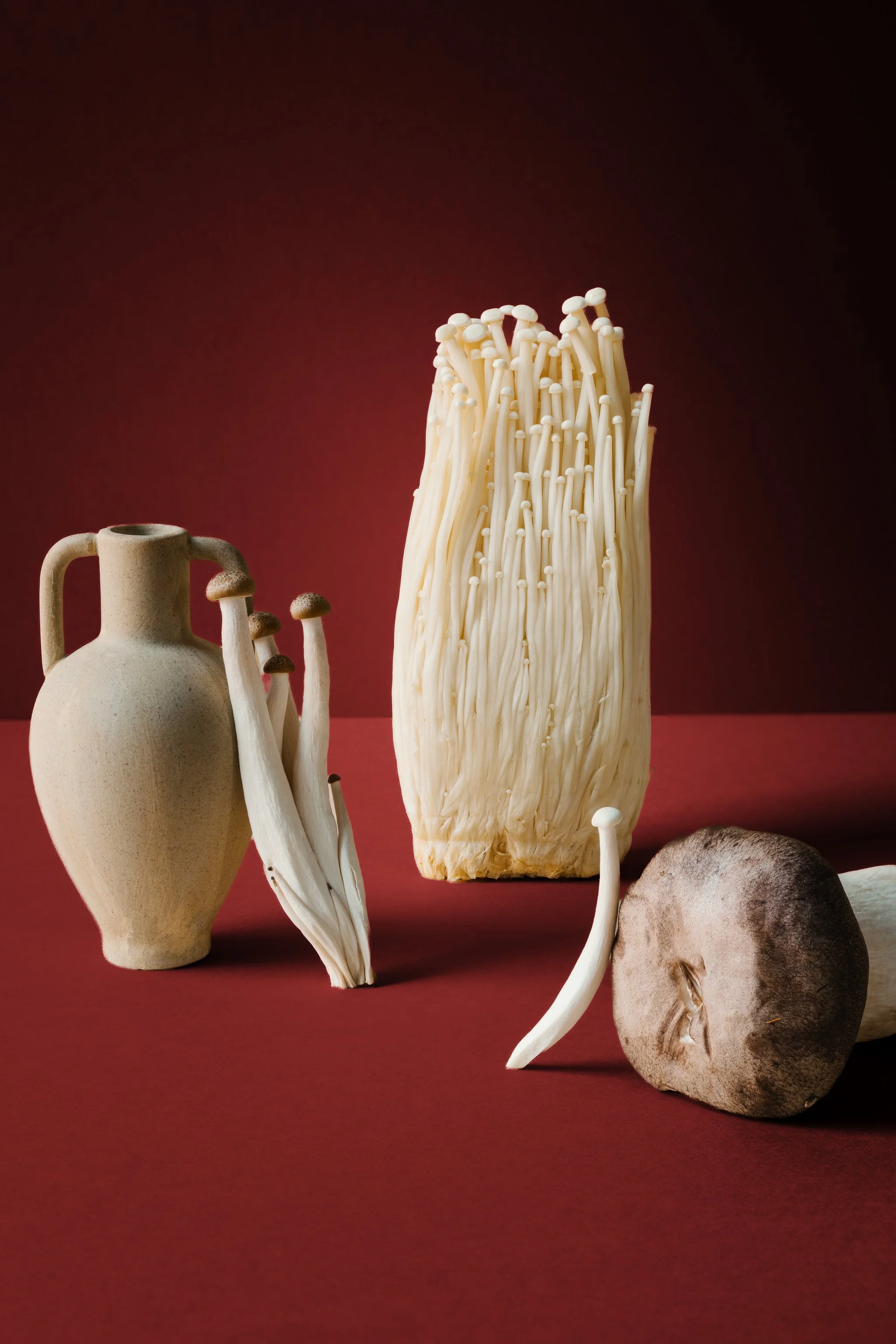
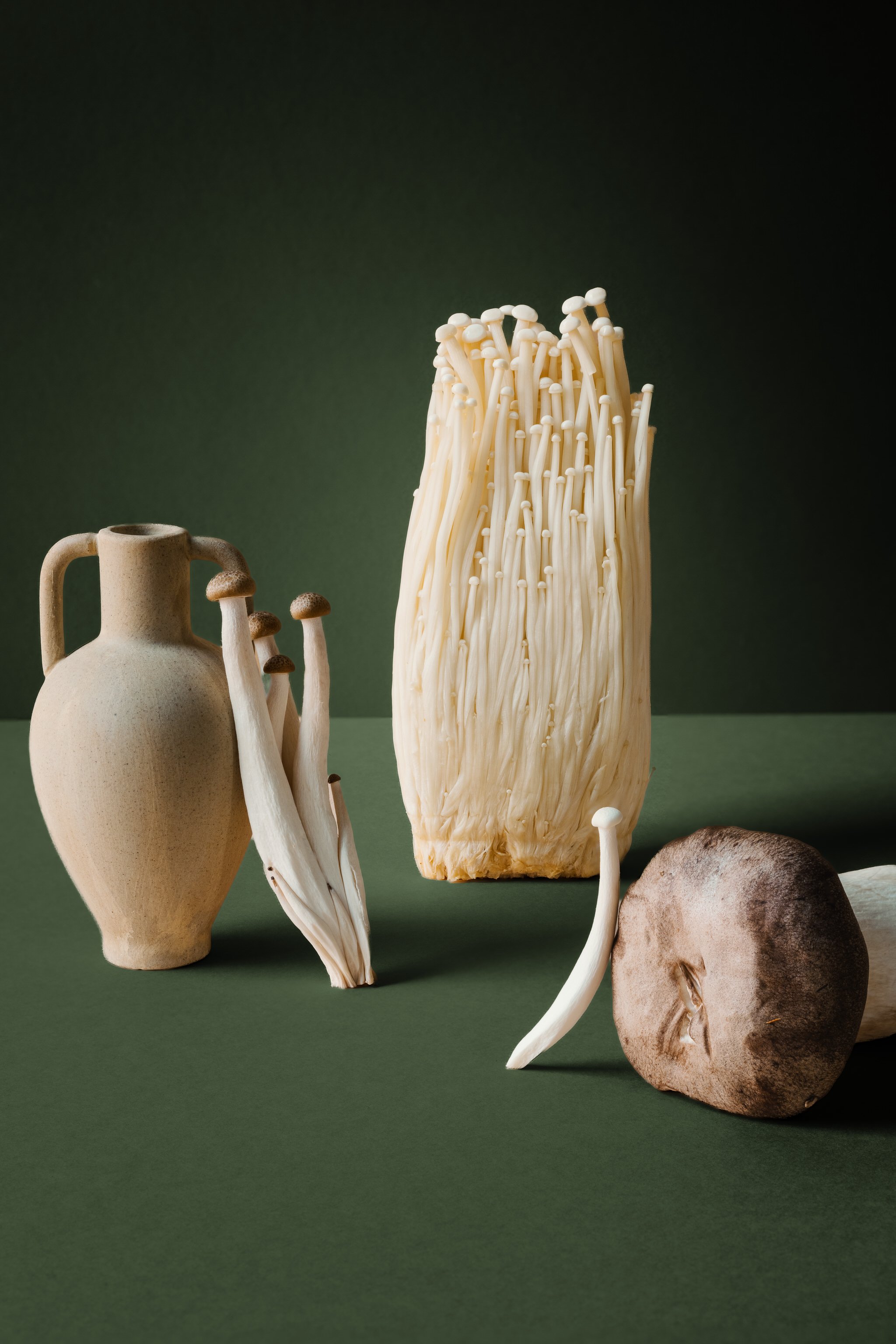
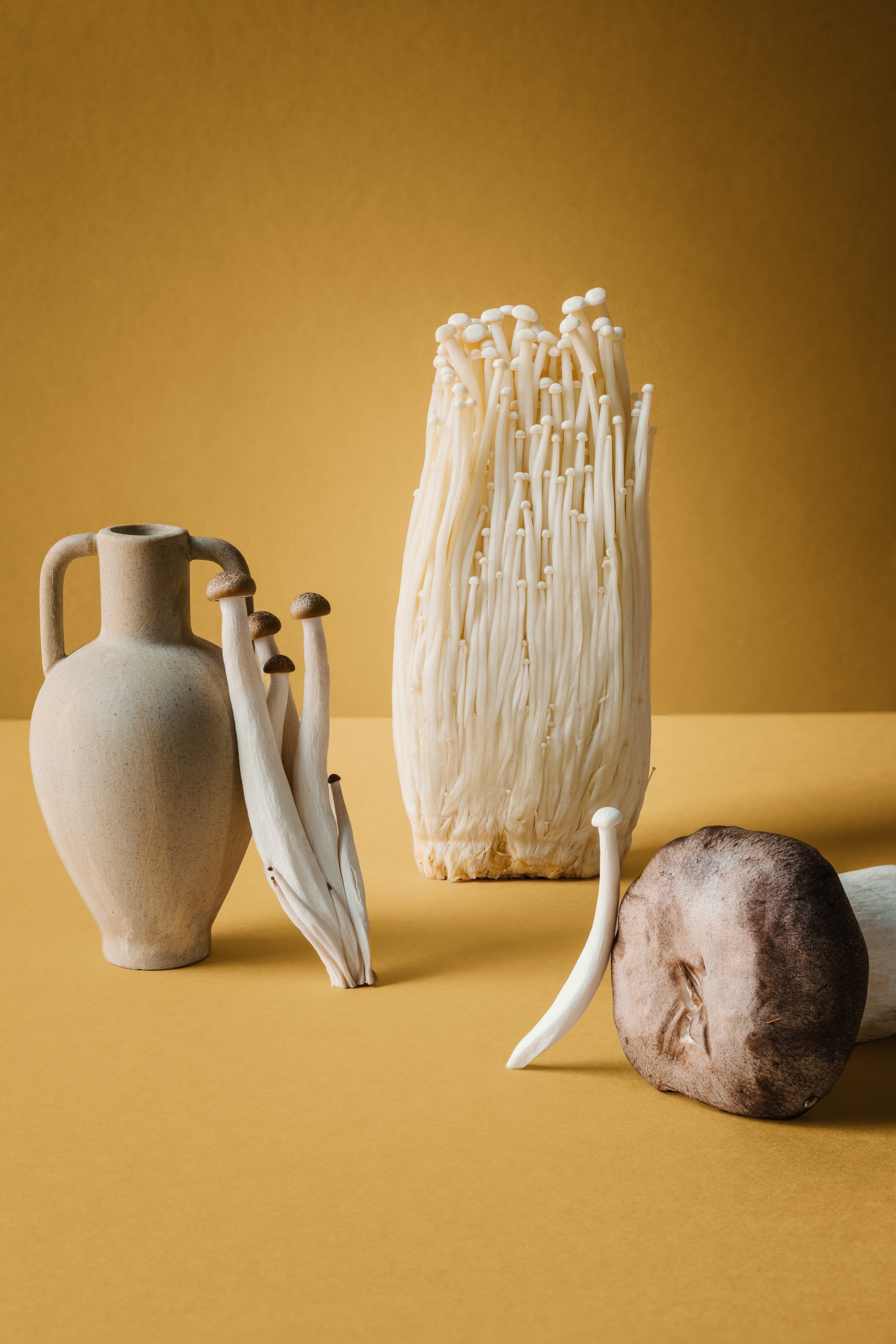
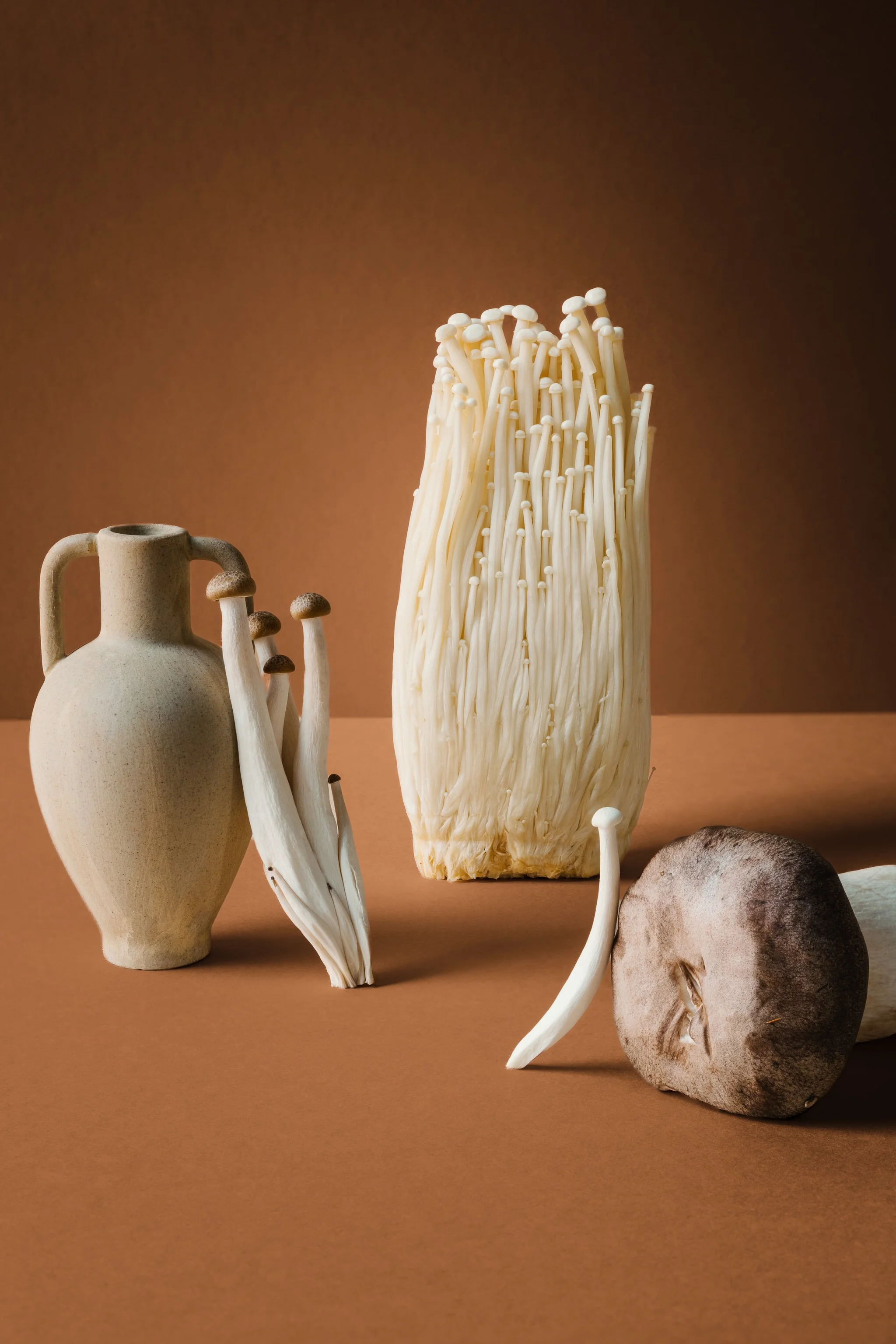
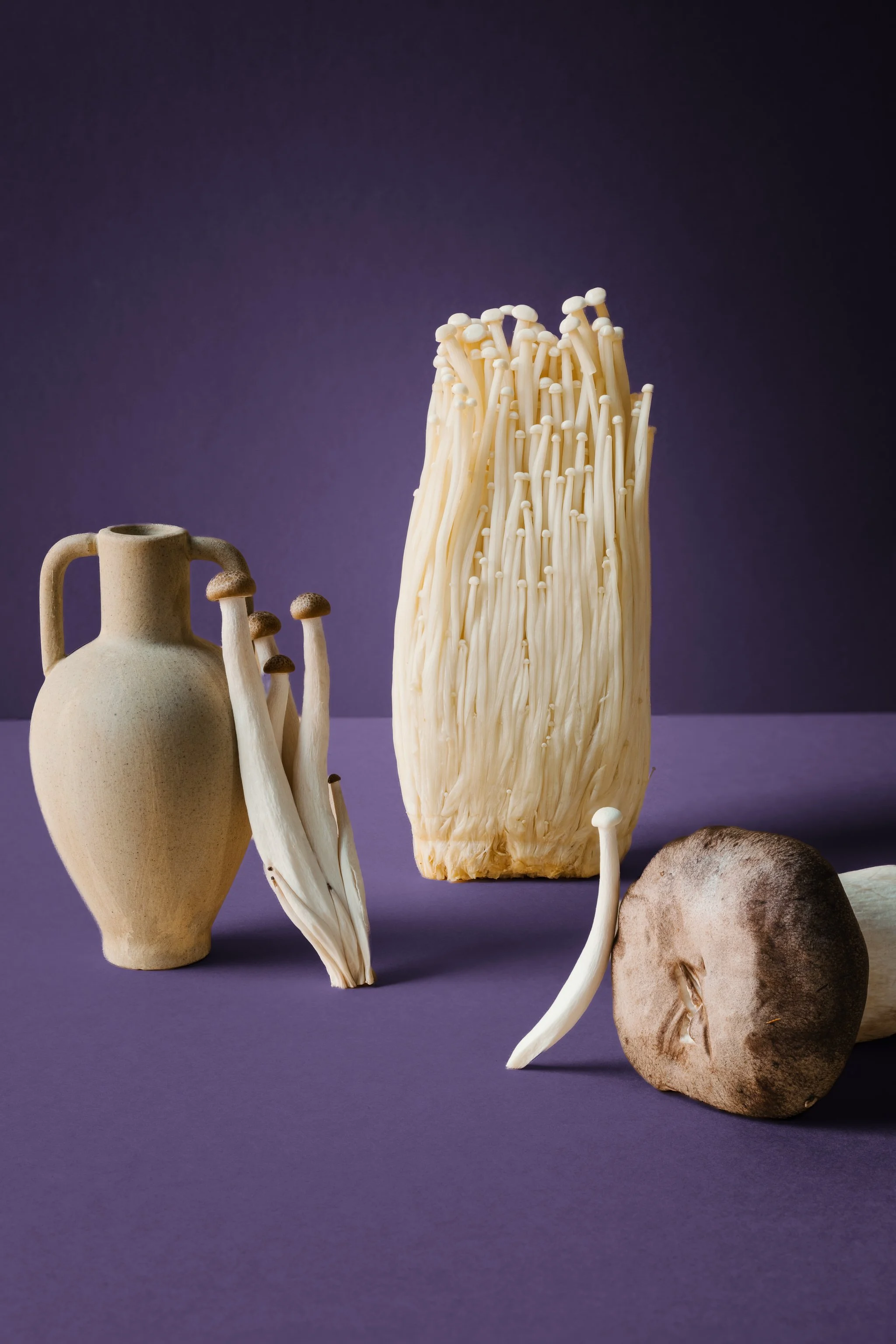
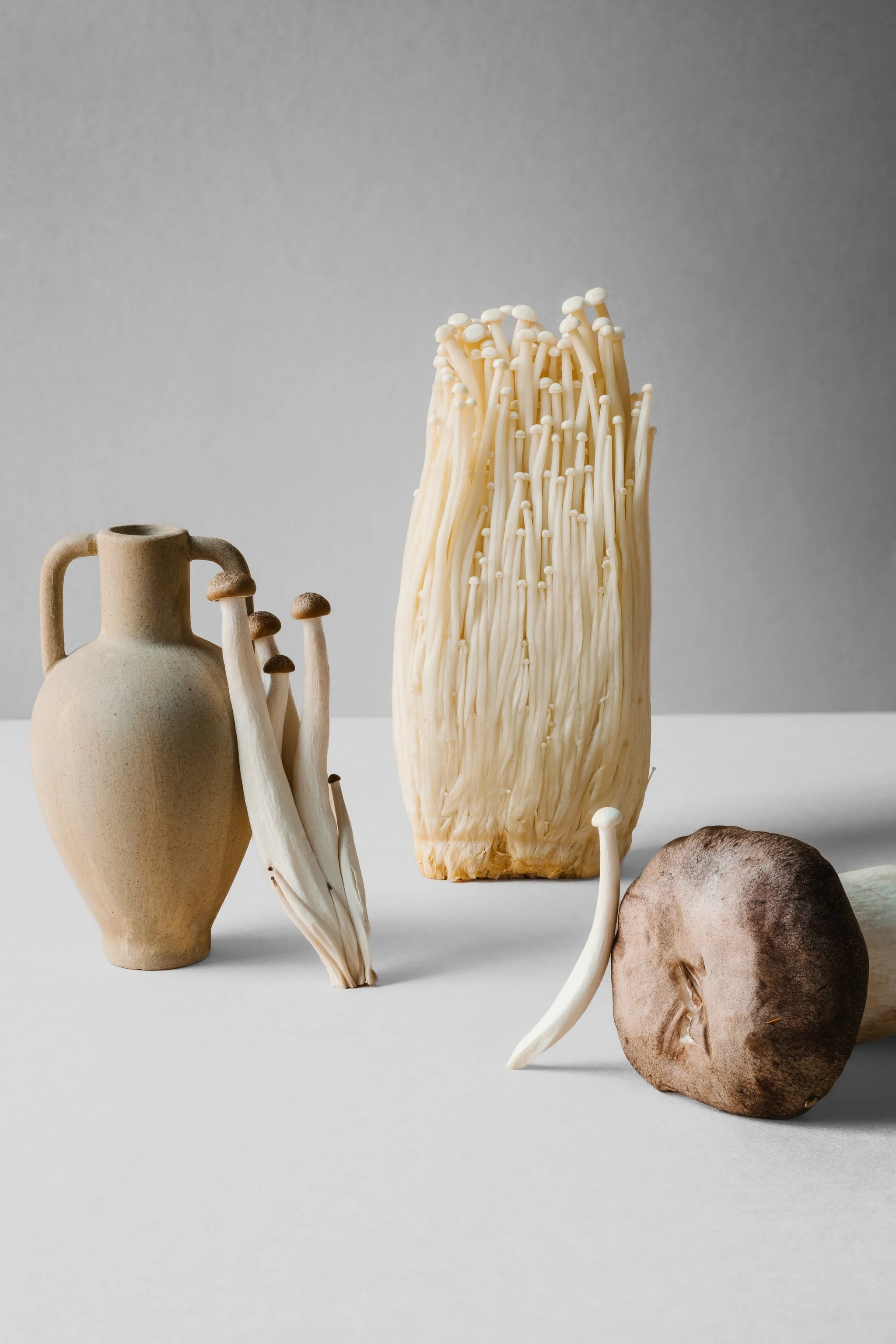
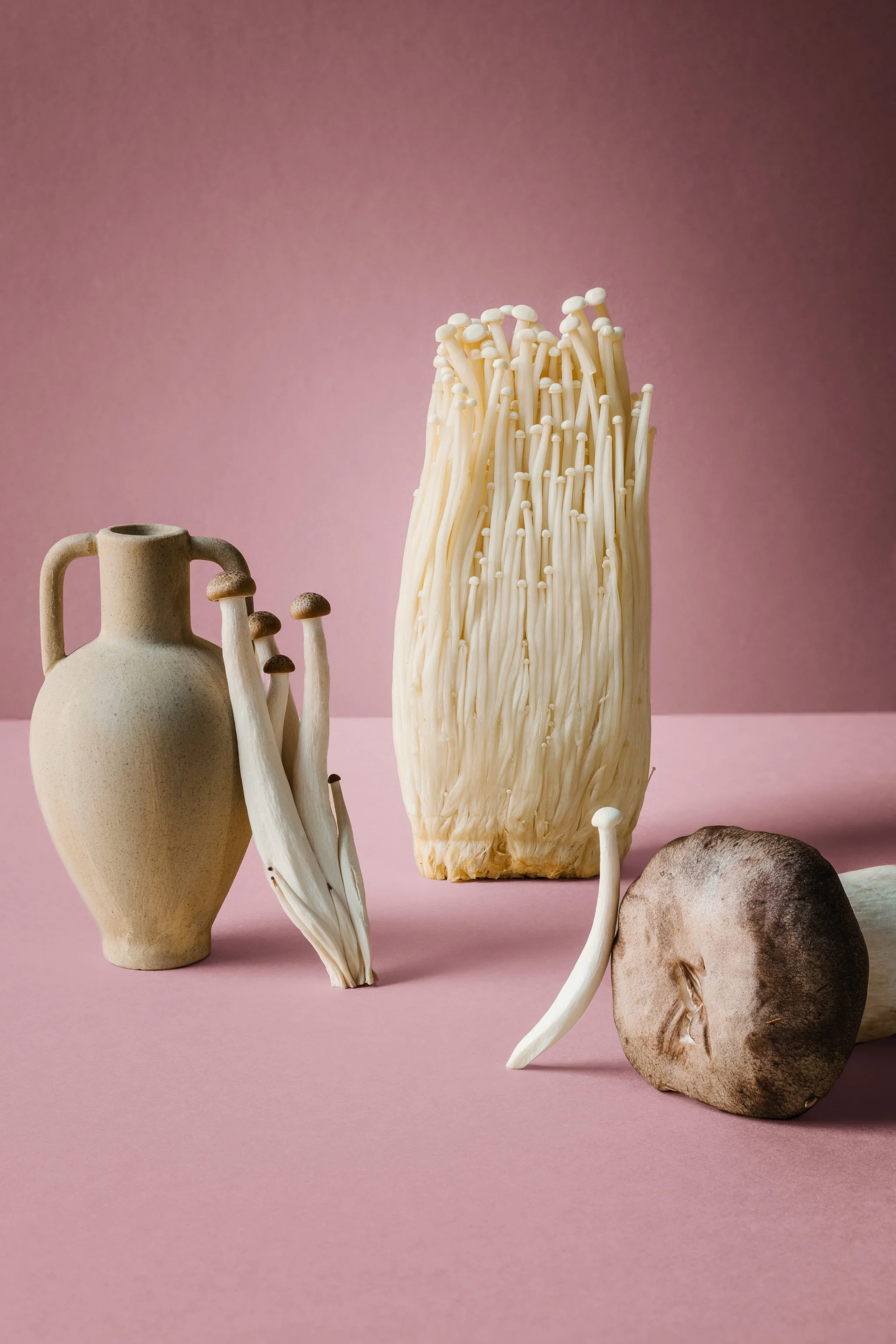
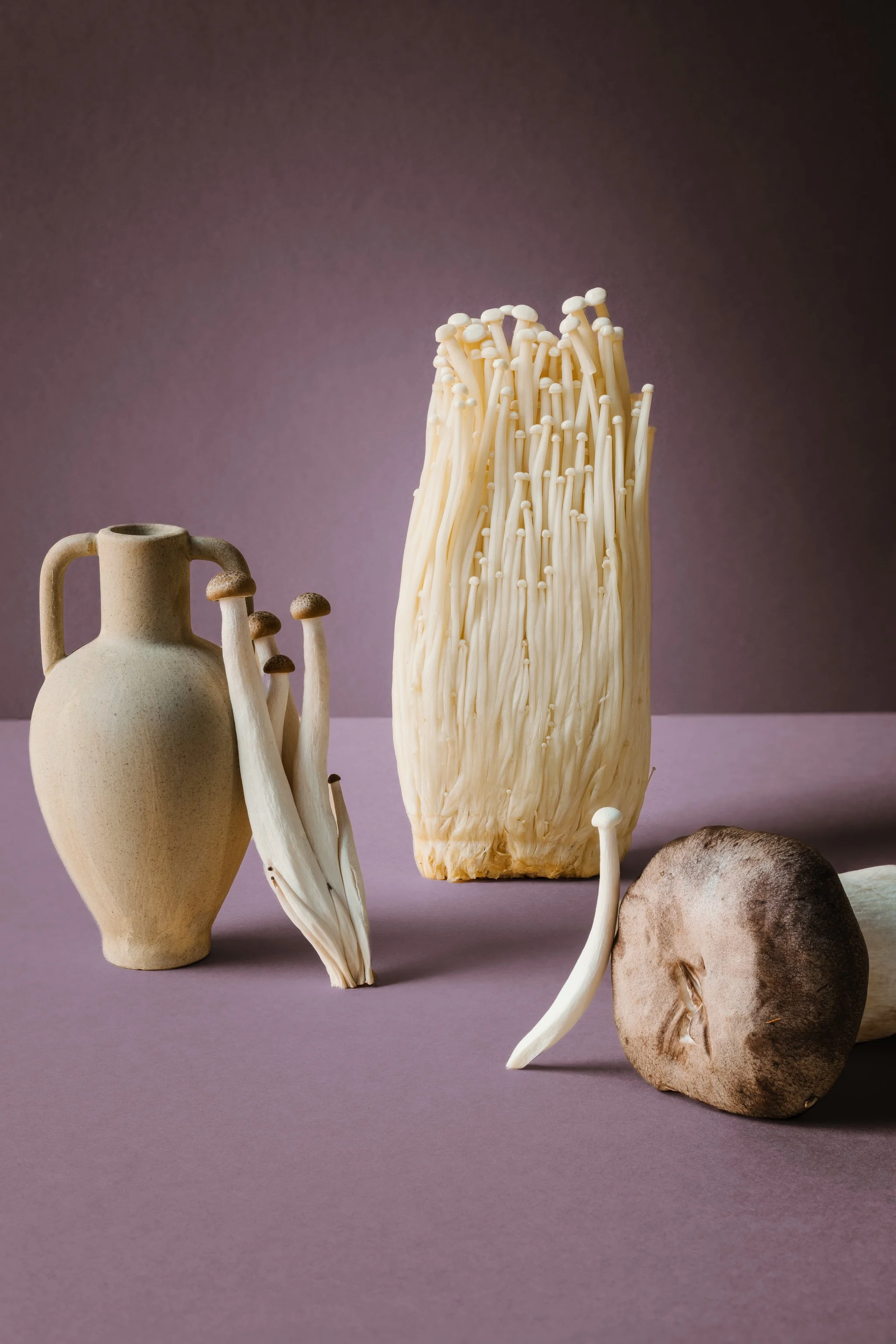
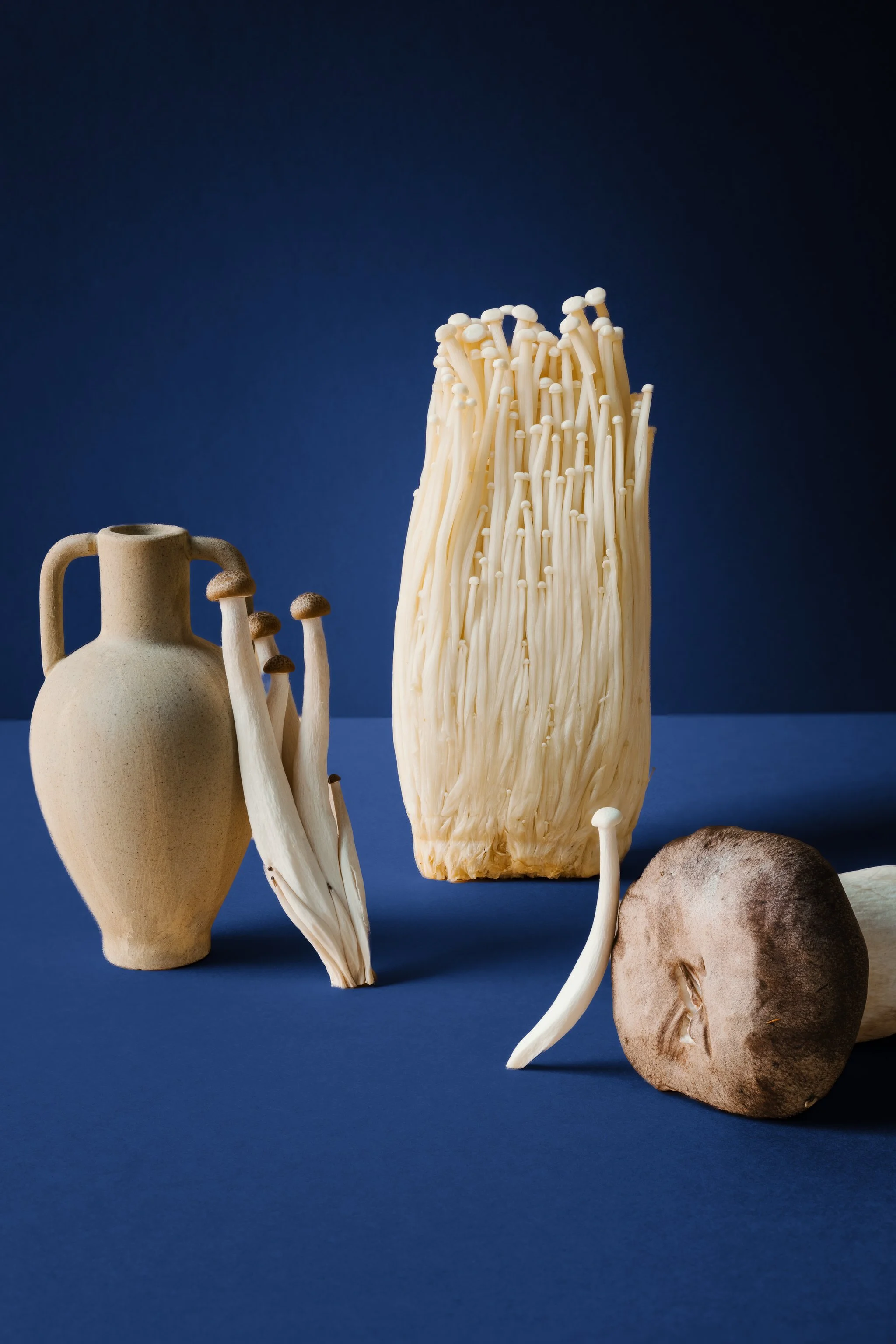
Set includes:
11 Backdrop Colors - A curated palette of tones, ready to apply directly over your existing backdrop for a quick, consistent color shift.
Lighten Backdrop - Lifts the background tone for a brighter, airier feel behind your subject.
Darken Backdrop - Deepens the background for added drama and contrast.
Backdrop Contour - Adds subtle shape and dimension to the backdrop, breaking up flatness without distracting from the subject.
Subject Edge Refine - Fine-tunes how the colorized backdrop blends around your subject. Decrease it for subjects with solid, clean edges, and increase it for subjects with softer, feathered edges, for a natural transition every time.
Please note: these tools work best with light-colored backdrops and rely on Adobe’s background detection technology. For the cleanest results, shoot a simple scene with a well-defined subject - the clearer the separation between subject and background, the more accurate the colorization.
Photo by Benny Guzman
Edited with Cerulean, Backdrop Contour and Veralux 01
Photo by Katrina Cram
Edited with Sakura, Backdrop Lighten and Chroma 01
Photo by Gary Crowson
Edited with Honey, Backdrop Lighten and Botanica 01
