Modern Borders
The finishing touch, cleanly drawn.
A finishing touch for your image. This set has seven different borders, all featuring a clean and modern aesthetic, each provided in both horizontal and vertical orientation and fully adjustable within Lightroom's masking panel.
These borders work best for 2×3 and 4×6 aspect ratio photos. Please note that heavy distortion or angle correction could cause the masks to become misaligned.
Adding borders to your photos can be a beautiful way to frame your subject and achieve a unique finishing touch to your image. This set has 7 different borders, all featuring a clean and modern aesthetic.
Each border is provided in both a horizontal and vertical orientation and can be manipulated within the mask panel of Lightroom.
These borders work best for 2×3/4×6 aspect ratio photos. Please Note - heavy distortion correction or angle correction could cause the masks to become misaligned.
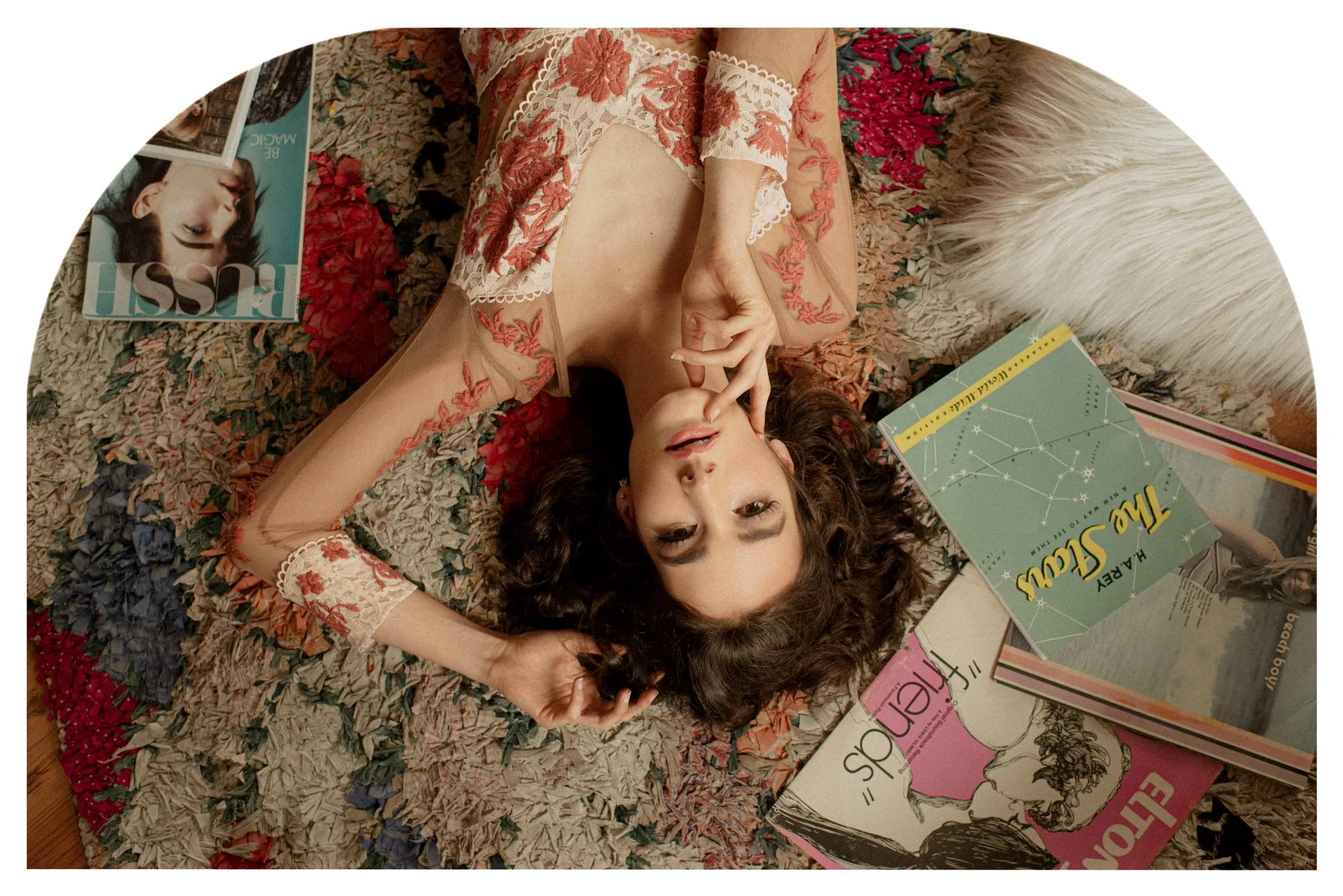
Modern 1 - a beautifully simple arch form.
Modern 2 - a flipped version of Modern 1.
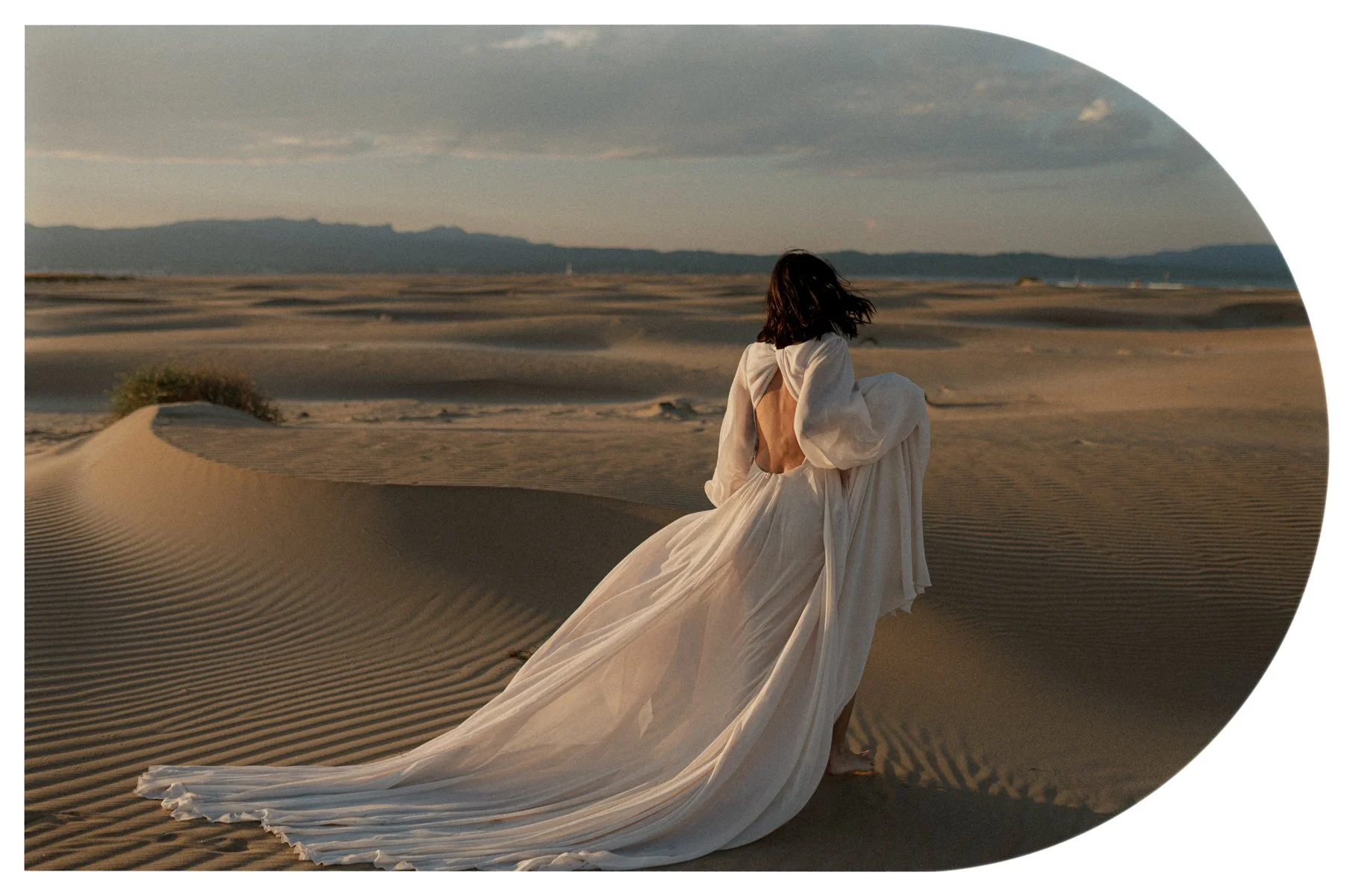
Modern 3 - a flat-sided oval shape.
Modern 4 - a simple rectangle with rounded corners.
Modern 5 - a simple rectangle with two rounded corners and two square corners.
Modern 6 - a clean-lined rectangle with one curved corner (two curved corners on the horizontal version).
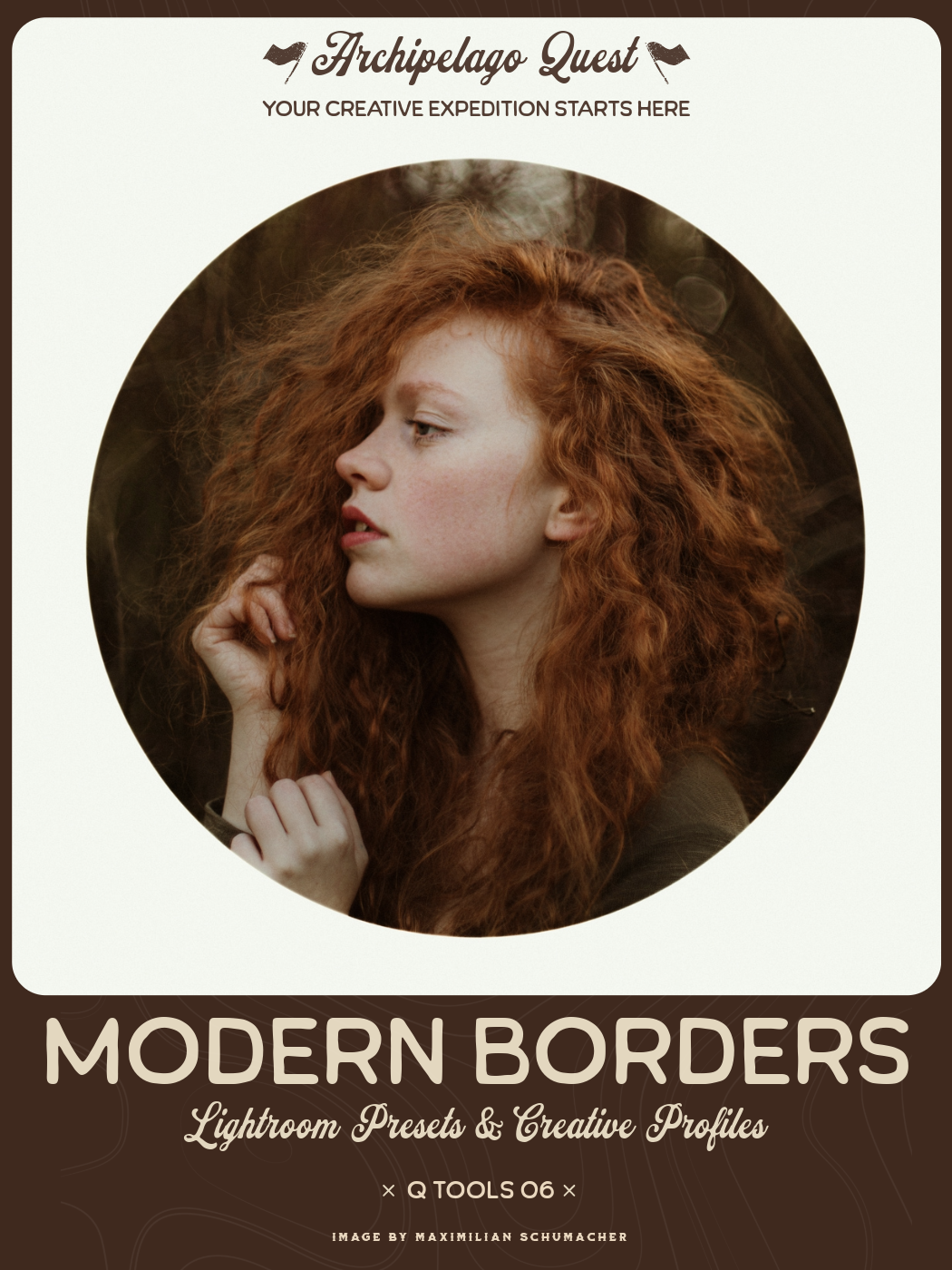
Modern 7 - a minimal circular aperture to frame the most important part of your image.
Claim this set with one monthly credit — enter your credit code at checkout and the $38 drops to zero. The full collection, yours to keep forever. Rather not use a credit? It's $38 at checkout without one.
Adding borders to your photos can be a beautiful way to frame your subject and achieve a unique finishing touch to your image. This set has 7 different borders, all featuring a clean and modern aesthetic.
Each border is provided in both a horizontal and vertical orientation and can be manipulated within the mask panel of Lightroom.
These borders work best for 2×3/4×6 aspect ratio photos. Please Note - heavy distortion correction or angle correction could cause the masks to become misaligned.
Modern 1 - a beautifully simple arch form.
Modern 2 - a flipped version of Modern 1.
Modern 3 - a flat-sided oval shape.
Modern 4 - a simple rectangle with rounded corners.
Modern 5 - a simple rectangle with two rounded corners and two square corners.
Modern 6 - a clean-lined rectangle with one curved corner (two curved corners on the horizontal version).
Modern 7 - a minimal circular aperture to frame the most important part of your image.
Modern Borders in the Wild
Examples from photographers around the world. Hover to pause, drag to explore.