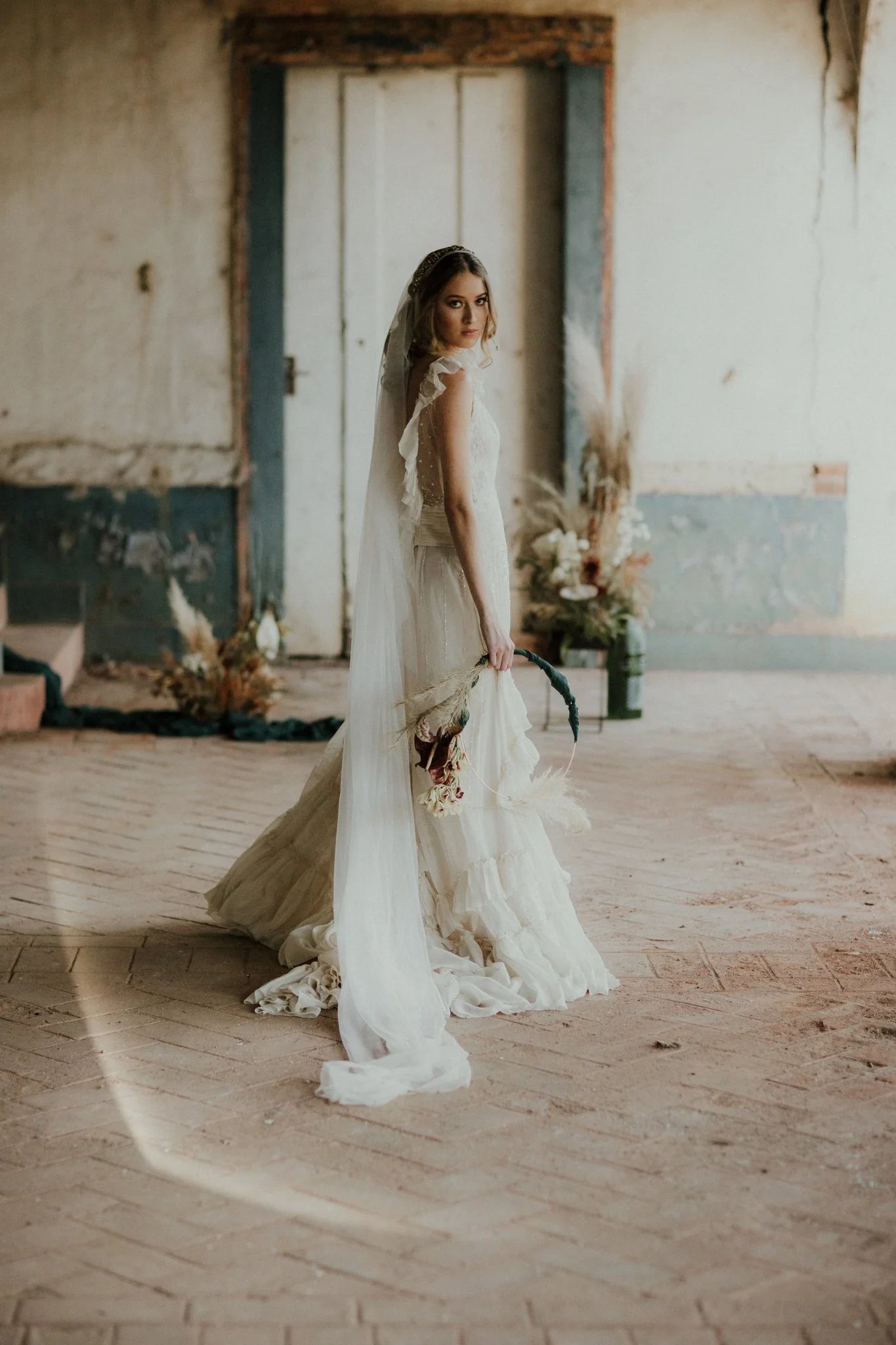
Lens Effects
Where the toolsets began.
The first of the Quest Tools. Six presets, each with its own unique shape and style — different from one another, yet sharing a coherent aesthetic that gives you variation while maintaining consistency.
Both horizontal and vertical versions work perfectly with your image orientation, with colour and black & white variants of each. Every flare can be rearranged and manipulated in the brush panel to tailor it to your specific image.
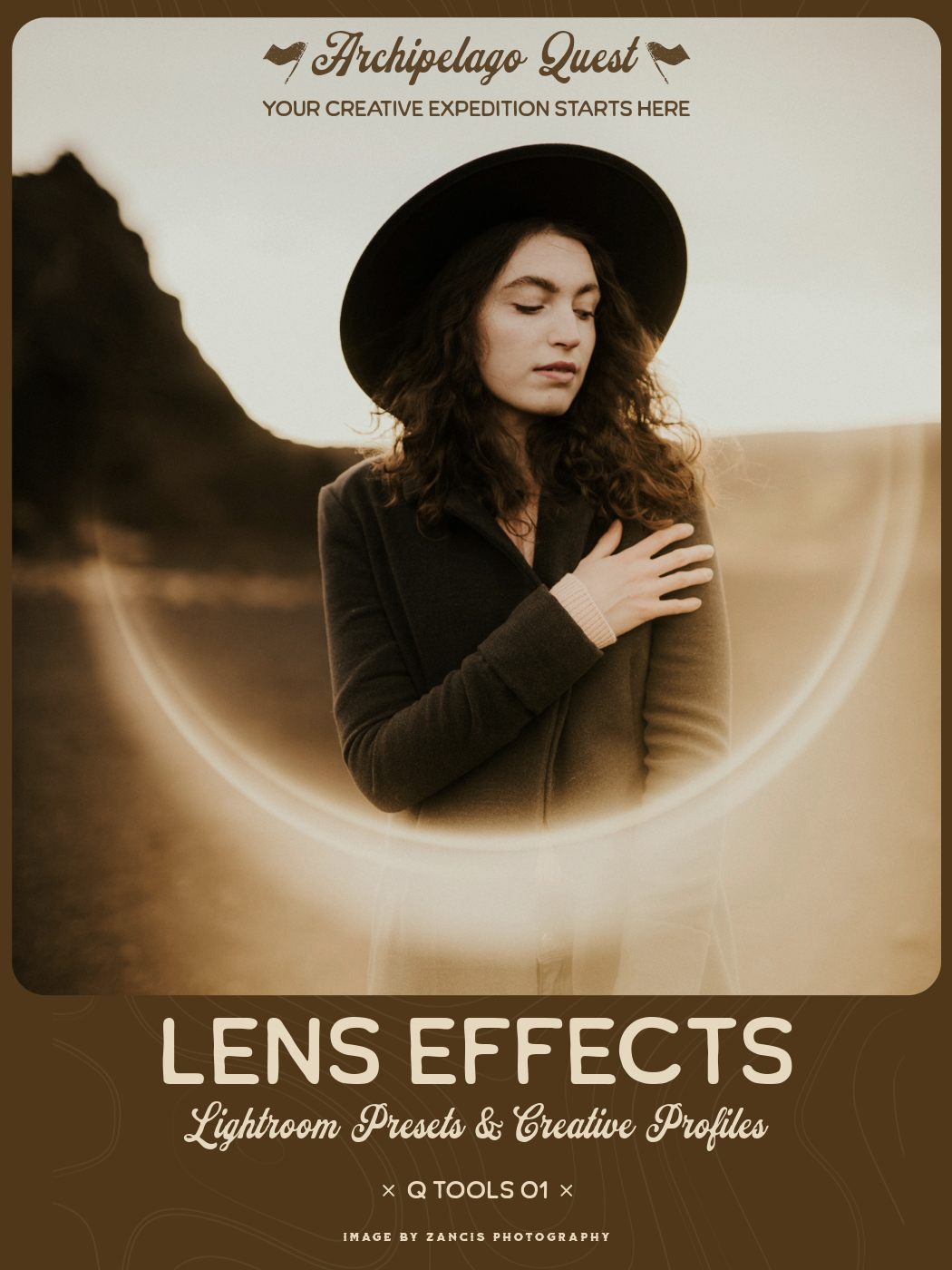
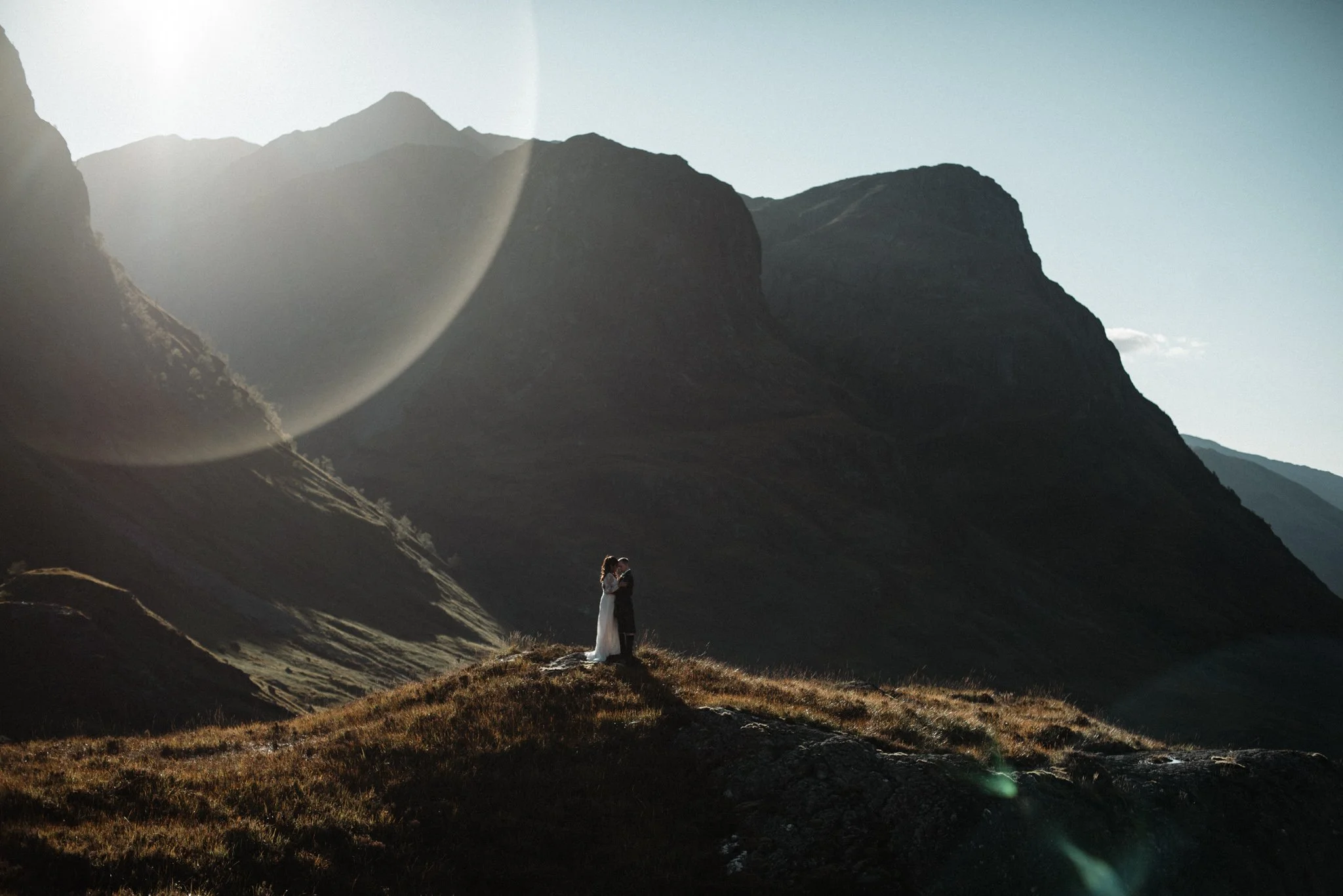
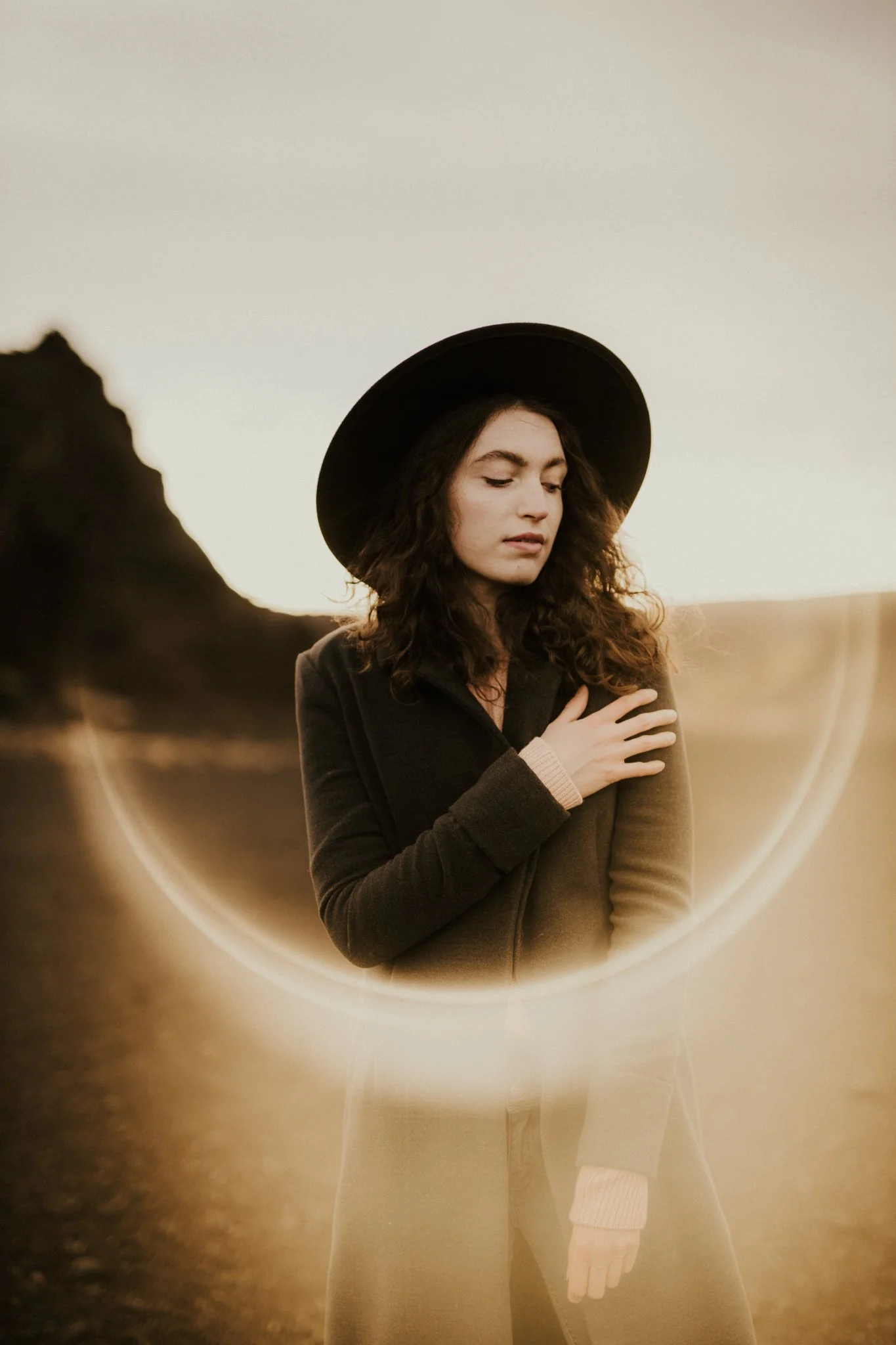
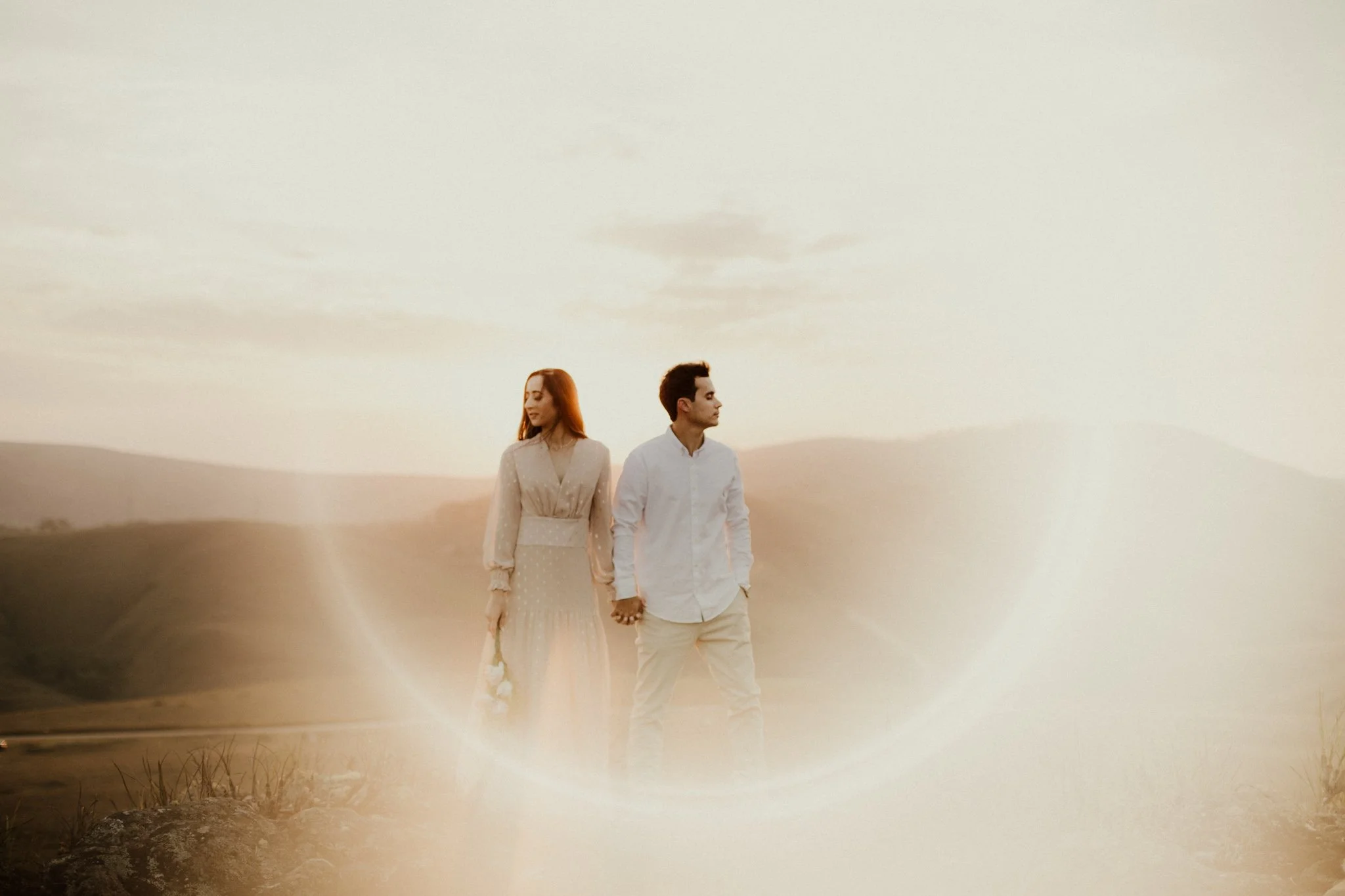
Quest Tools 01 – Lens Effects introduces a collection of six carefully crafted optical overlays designed to mimic the natural behavior of light interacting with a camera lens. Inspired by the subtle flares, reflections, and light blooms that occur when shooting into strong light sources, this set brings dynamic energy and cinematic character to your images.
Each preset features its own distinctive shape and personality, yet all share a cohesive visual language - allowing you to experiment with different flare styles while maintaining a consistent aesthetic across your work. Designed with flexibility in mind, every effect can be repositioned, reshaped, and refined within Lightroom’s Masking Panel. This gives you precise control over placement, intensity, and composition, ensuring each flare feels naturally integrated into your scene.
Both horizontal and vertical versions are included to match your image orientation, along with color and black-and-white variations for seamless use across different editing styles.
From subtle atmospheric glow to bold cinematic flare, Lens Effects allows you to sculpt light within the frame - adding depth, movement, and visual drama with just a few adjustments.
Claim this set with one monthly credit — enter your credit code at checkout and the $38 drops to zero. The full collection, yours to keep forever. Rather not use a credit? It's $38 at checkout without one.
Quest Tools 01 – Lens Effects introduces a collection of six carefully crafted optical overlays designed to mimic the natural behavior of light interacting with a camera lens. Inspired by the subtle flares, reflections, and light blooms that occur when shooting into strong light sources, this set brings dynamic energy and cinematic character to your images.
Each preset features its own distinctive shape and personality, yet all share a cohesive visual language - allowing you to experiment with different flare styles while maintaining a consistent aesthetic across your work. Designed with flexibility in mind, every effect can be repositioned, reshaped, and refined within Lightroom’s Masking Panel. This gives you precise control over placement, intensity, and composition, ensuring each flare feels naturally integrated into your scene.
Both horizontal and vertical versions are included to match your image orientation, along with color and black-and-white variations for seamless use across different editing styles.
From subtle atmospheric glow to bold cinematic flare, Lens Effects allows you to sculpt light within the frame - adding depth, movement, and visual drama with just a few adjustments.
Lens Effects in the Wild
Examples from photographers around the world. Hover to pause, drag to explore.