Backdrop Toolset
A new way to set the scene.
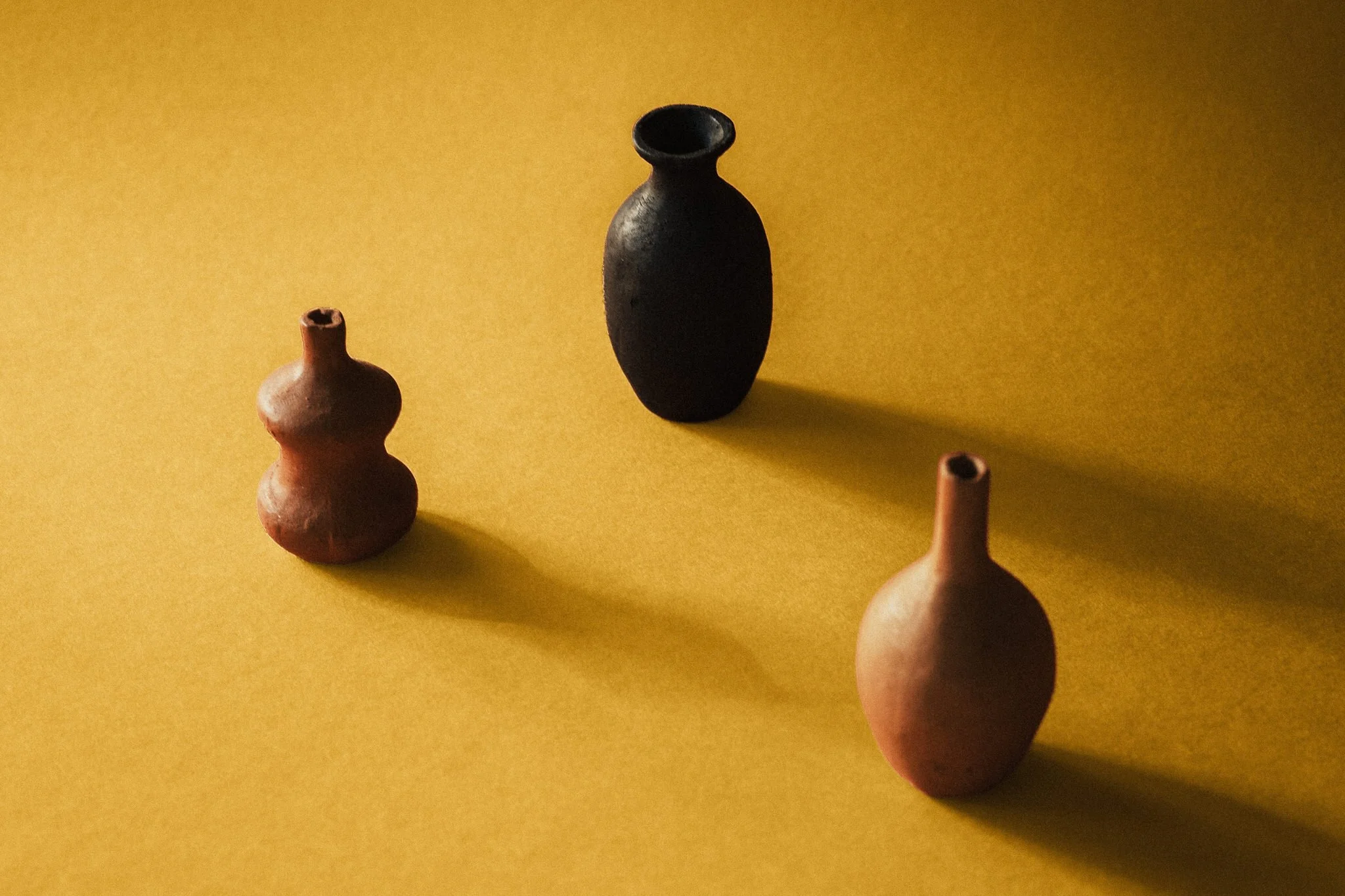
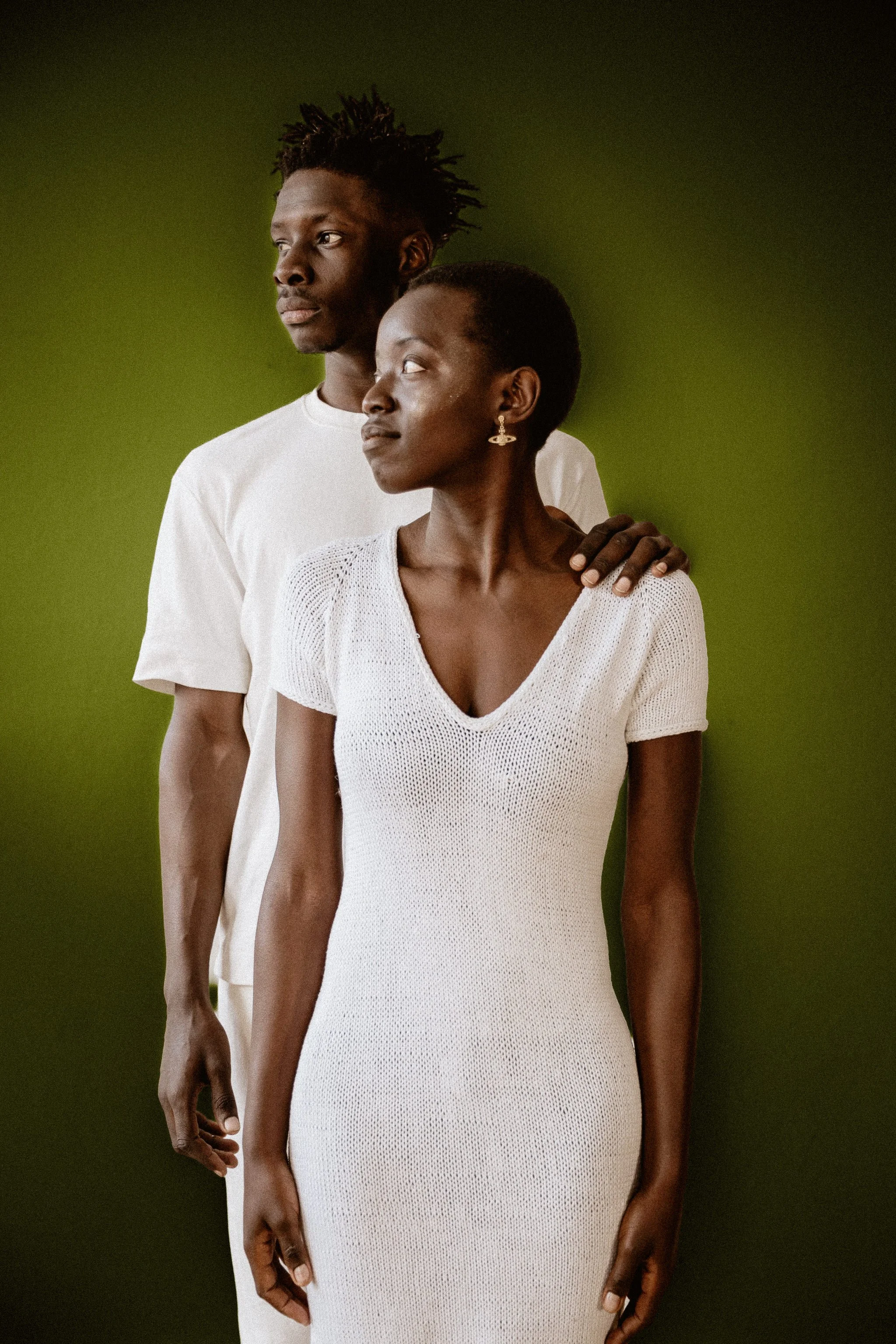
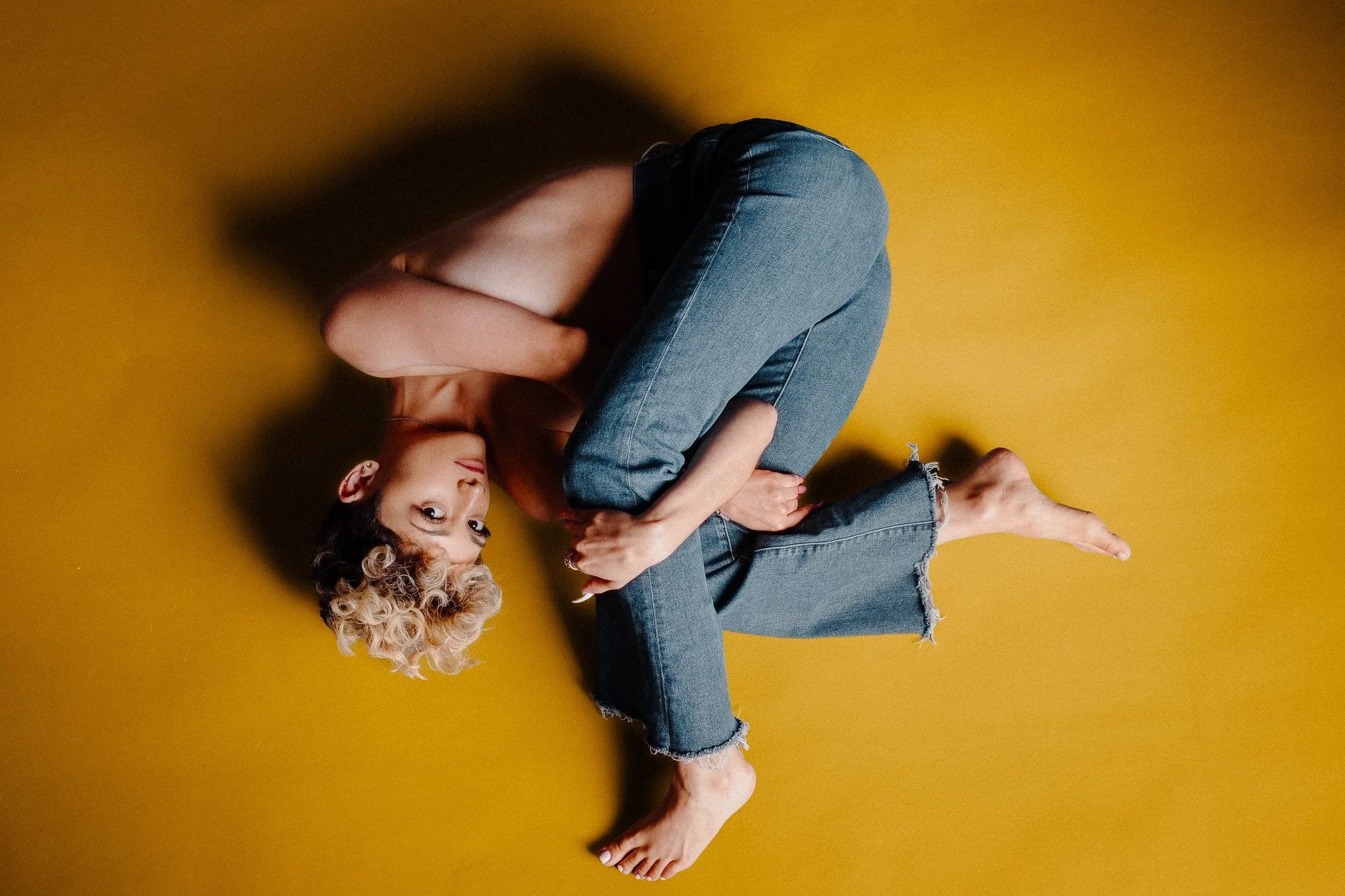
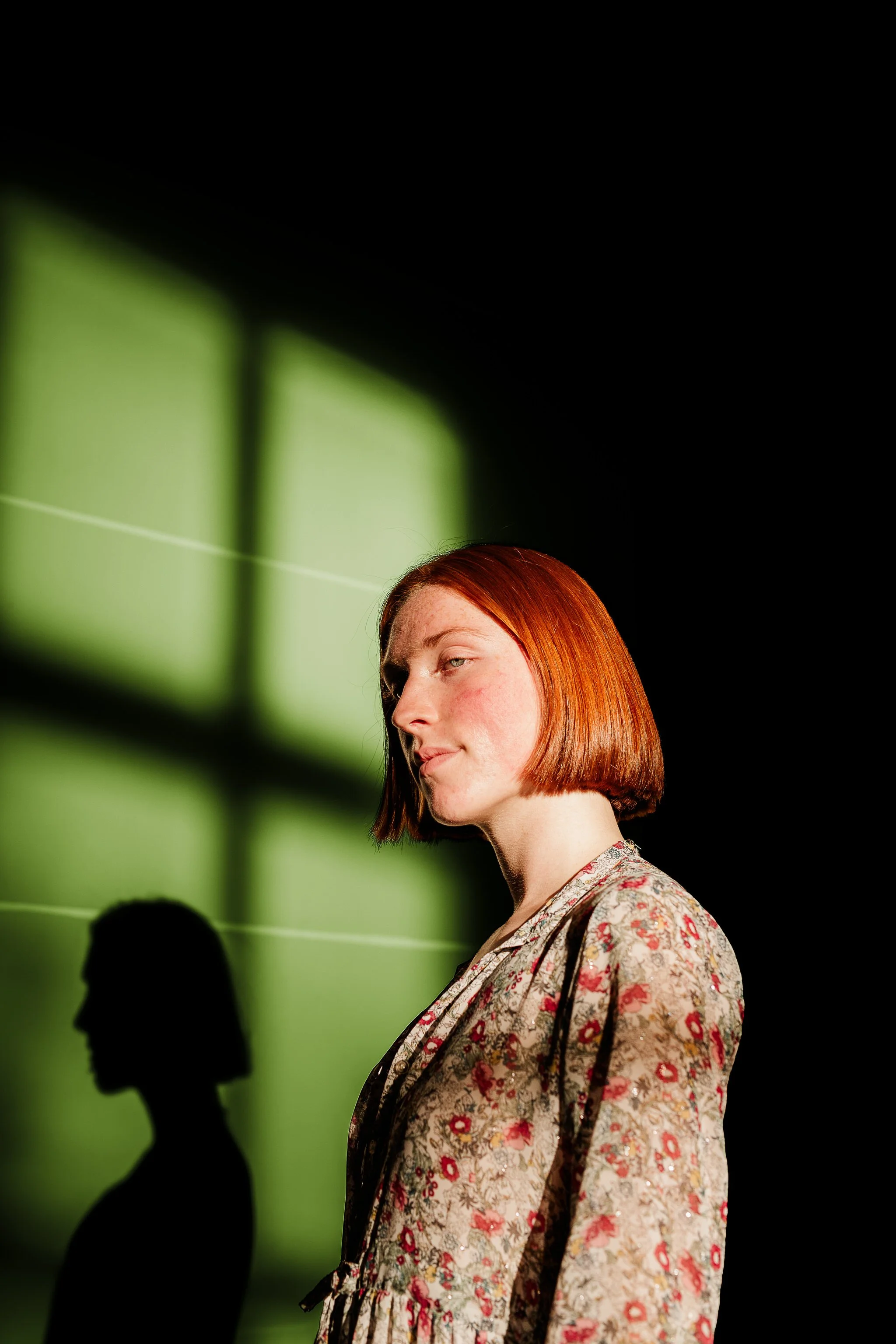
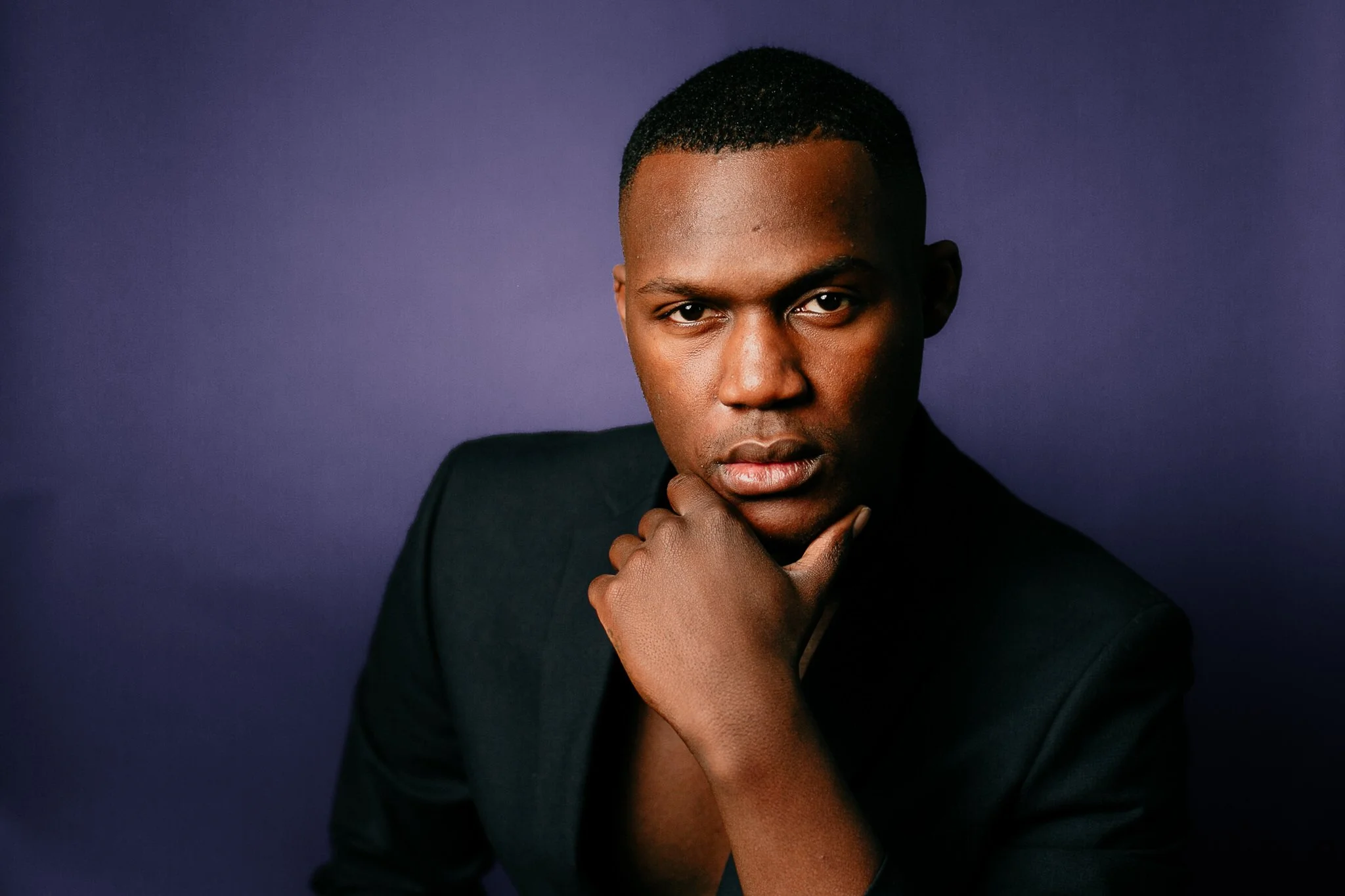
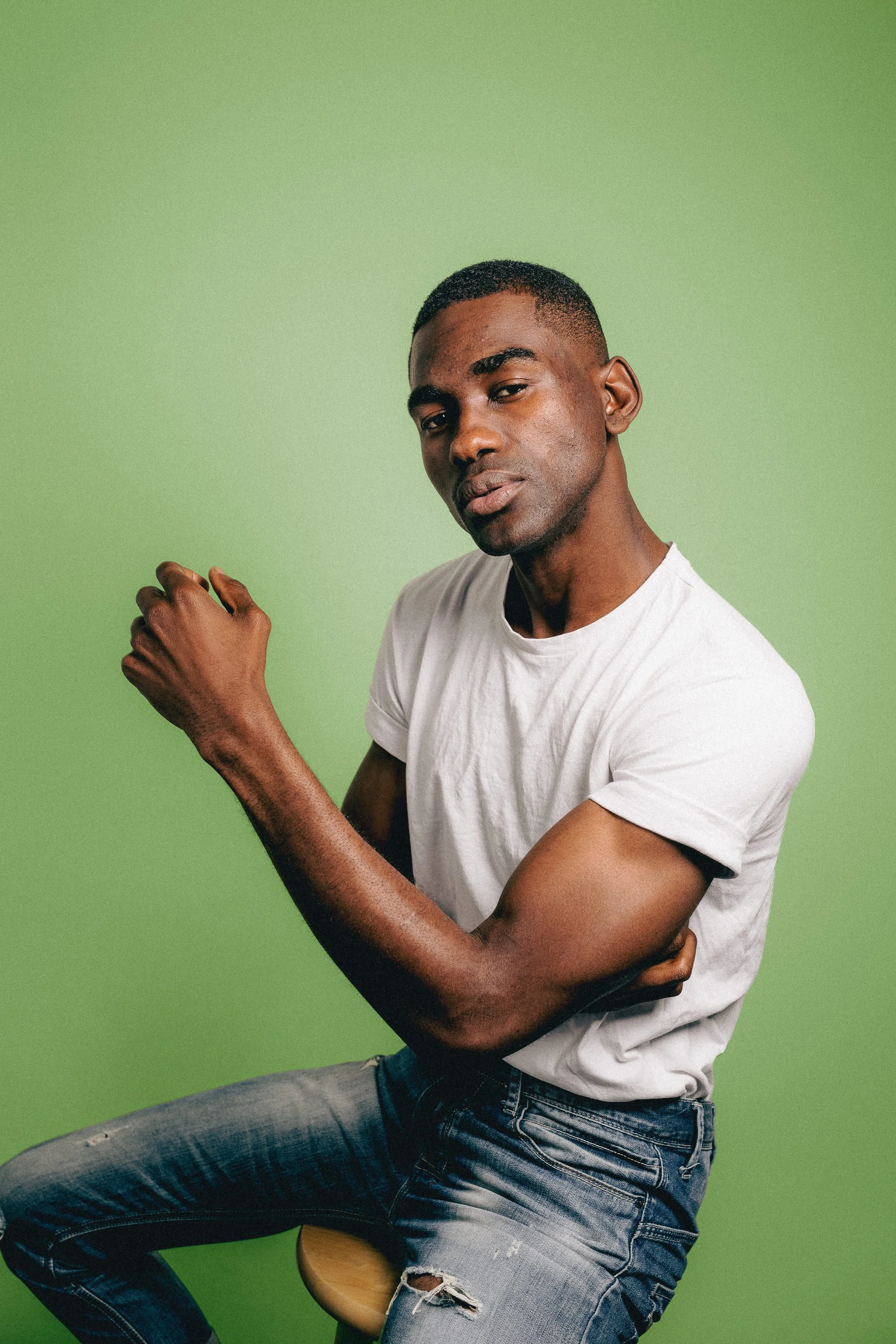
Colorize the backdrop in your studio portraits or still life work, swapping a plain background for one of nine curated tones with a single click.
Built on Adobe’s background detection, it keeps your subject untouched while transforming the space behind them — so you can match a backdrop to the mood of the shoot without ever touching a roll of paper.
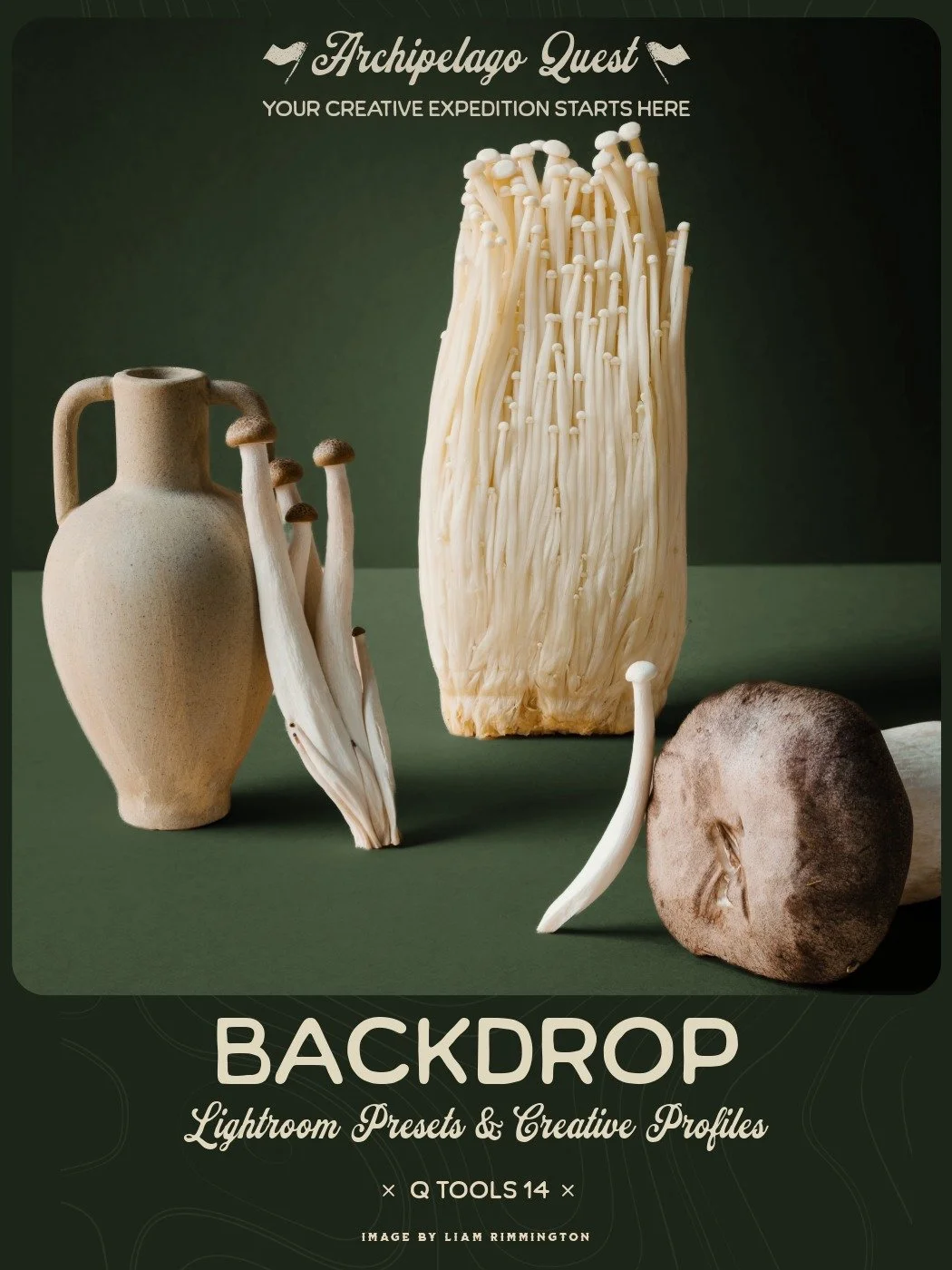
A new way to set the scene. This toolset lets you colorize the backdrop in your studio portraits or still life work, swapping a plain background for one of nine curated tones with a single click. Built on Adobe’s background detection, the set keeps your subject untouched while transforming the space behind them, so you can match a backdrop to the mood of the shoot without ever touching a roll of paper.
Set includes:
9 Backdrop Colors - A curated palette of tones, ready to apply directly over your existing backdrop for a quick, consistent color shift.
Lighten Backdrop - Lifts the background tone for a brighter, airier feel behind your subject.
Darken Backdrop - Deepens the background for added drama and contrast.
Backdrop Contour - Adds subtle shape and dimension to the backdrop, breaking up flatness without distracting from the subject.
Subject Edge Refine - Fine-tunes how the colorized backdrop blends around your subject. Decrease it for subjects with solid, clean edges, and increase it for subjects with softer, feathered edges, for a natural transition every time.
Please note: these tools work best with light-colored backdrops and rely on Adobe’s background detection technology. For the cleanest results, shoot a simple scene with a well-defined subject - the clearer the separation between subject and background, the more accurate the colorization.

A new way to set the scene. This toolset lets you colorize the backdrop in your studio portraits or still life work, swapping a plain background for one of nine curated tones with a single click. Built on Adobe’s background detection, the set keeps your subject untouched while transforming the space behind them, so you can match a backdrop to the mood of the shoot without ever touching a roll of paper.
Set includes:
9 Backdrop Colors - A curated palette of tones, ready to apply directly over your existing backdrop for a quick, consistent color shift.
Lighten Backdrop - Lifts the background tone for a brighter, airier feel behind your subject.
Darken Backdrop - Deepens the background for added drama and contrast.
Backdrop Contour - Adds subtle shape and dimension to the backdrop, breaking up flatness without distracting from the subject.
Subject Edge Refine - Fine-tunes how the colorized backdrop blends around your subject. Decrease it for subjects with solid, clean edges, and increase it for subjects with softer, feathered edges, for a natural transition every time.
Please note: these tools work best with light-colored backdrops and rely on Adobe’s background detection technology. For the cleanest results, shoot a simple scene with a well-defined subject - the clearer the separation between subject and background, the more accurate the colorization.
Claim this set with one monthly credit — enter your credit code at checkout and the $38 drops to zero. The full collection, yours to keep forever. Rather not use a credit? It's $38 at checkout without one.
"I was really impressed with this toolset. It made changing studio backdrop colours much faster than doing it manually, and the colour choices are great — I can see them working across a wide range of portrait styles. I also really liked Backdrop Lighten and Backdrop Darken on their own, and Backdrop Contour is great. The Subject Edge Refine tool worked well and gave me extra control over the transition around my subject."
"This is a really fun one! I like how easily it selects the backdrop and changes the colors. The subject edge refine is by far way better than Lightroom’s option. The colors are gorgeous options and I am excited for the few sessions I have that involve a backdrop to use this with!"
The Backdrop Toolset in the Wild
Examples from photographers around the world. Hover to pause, drag to explore.