Tools to Take your Super8 Lightroom Edits up a notch
Image by Celia Kelly
Edited with Quest 55 SuperEight
Quest 55 SuperEight Lightroom presets bring the imperfection and magic of Super8 film to your digital edits, with Super8 film borders, soft focus, gritty grain, and unpredictable quirks such as light leaks, dust, and scratches.
Those effects and tools are included in the preset collection, but you can take your SuperEight edits even further with the following Quest Tools for Lightroom!
Whether you want more variety in filmic edits or different effect options, try these Lightroom preset toolsets with your Quest 55 SuperEight edits!
Filmic Dust & Scratch Presets for Lightroom
Dust & scratches are characteristic of Super8 film, not of the format itself, but a byproduct of age, handling, and projectors used to watch Super8 videos or film stills. Dust and lint cling to the film while it’s being exposed, developed, or projected, and every time the film is handled over time, it can pick up small scratches or debris, lending to the imperfect character we know and love about Super8.
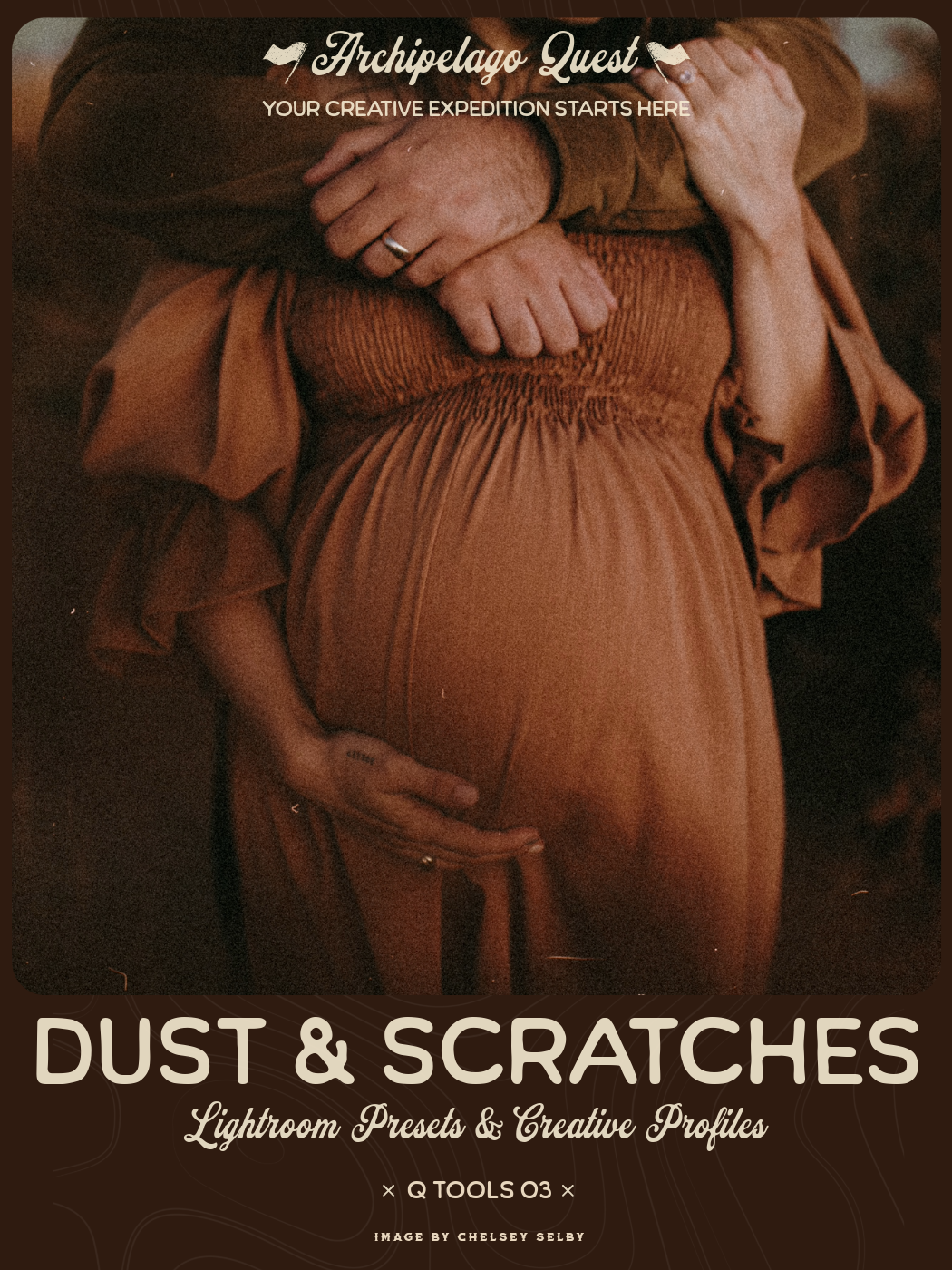
Time leaves a mark. Hairline scratches, fleeting imperfections caught in the scan.
Dust & Scratches is a collection of ten meticulously crafted overlays modeled from authentic film scans — preserving the subtle debris, abrasion, and surface texture that give analog images their unmistakable soul.
These presets introduce organic wear and tactile history into your digital workflow with a single click. Each effect is designed to self-adapt across any orientation or aspect ratio, intelligently covering the full frame while maintaining natural variation and balance.
From barely-there specks to pronounced archival distress, this set allows you to shape the narrative of age, memory, and materiality in your work.
Because perfection is modern — but texture is timeless.
Note: Due to the detailed brush construction of these effects, enabling “Smart Previews” in Lightroom’s Performance settings is recommended for optimal responsiveness.
SEE D&S IN ACTION
Image by Flora Gibson Photography
Edited with Quest 55 SuperEight and Quest Tools 03 - Dust & Scratches
Borders for Lightroom that Emulate Film
One of the most recognizable features of Super8 film is its distinctive and charming film border. Super8 film has thin, black lines that separate each frame, which are visible when you look at the raw film strip or a full-frame scan. It can also have one small rectangular sprocket hole per frame. The film stock might include Kodak edge codes or frame numbers printed along the edge. Sometimes light leaks, scratches, or chemical streaks appear near the edges, contributing to the organic look.
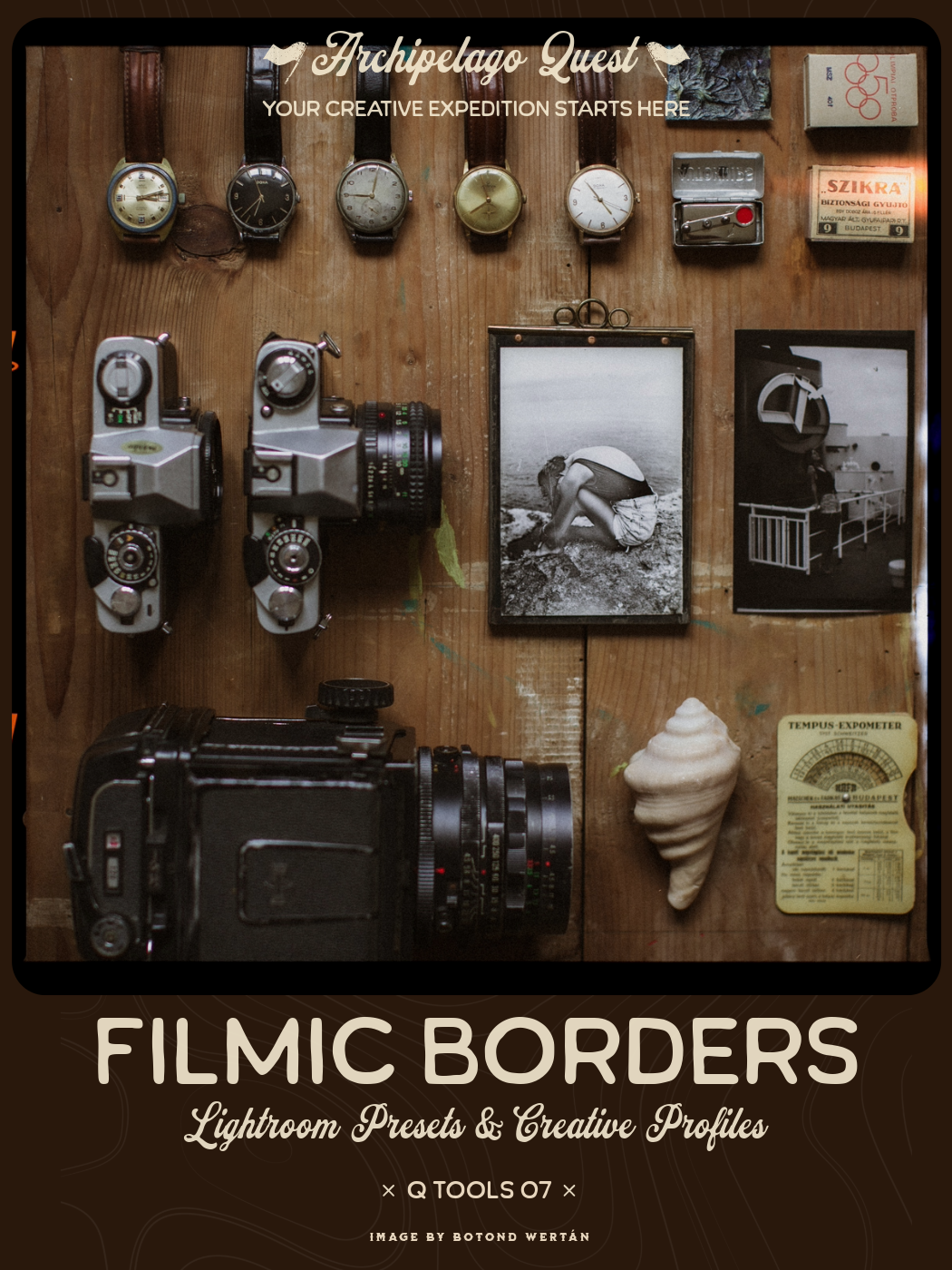
Achieve the beautiful aesthetic of film combined with the flexibility and convenience of a digital workflow. These filmic border presets push the boundaries of what's possible within Lightroom, faithfully replicating the borders, sprocket holes, light leaks and dust reminiscent of film scans.
Each border is offered in a horizontal and vertical version alongside black and white versions for monochromatic images. These presets are resource-intensive due to the complexity of the hand-drawn elements, be sure to follow Adobe's guidance to optimise the performance of Lightroom.
Filmic 35mm 1- replicates the look of 35mm film when scanned with full borders, complete with sprocket holes, edge markings, dust and partial images from the previous and next photos on the roll.
Filmic 35mm 2 - identical to Filmic 35mm 1, but without the partial images from the previous and next photos on the roll.
Filmic 35mm 3- mimics the look of shooting 35mm film full-width. Featuring sprocket holes punched through the image, along with light leaks and dust.
Filmic 120 - replicates the black borders and edge markings commonly seen on medium-format film, along with light leaks and a subtle layer of dust.
Filmic 120 (no light leak)- identical to Filmic 120 but with the light leak removed for a more clean aesthetic.
Filmic Super 8 - gives the distinct look of a single frame of Super 8 film, featuring a rounded-corner border with rough edges, light leak and a large sprocket hole.
Filmic Super 8 (no sprocket) - identical to filmic Super 8 but without the sprocket hole, for a cleaner look
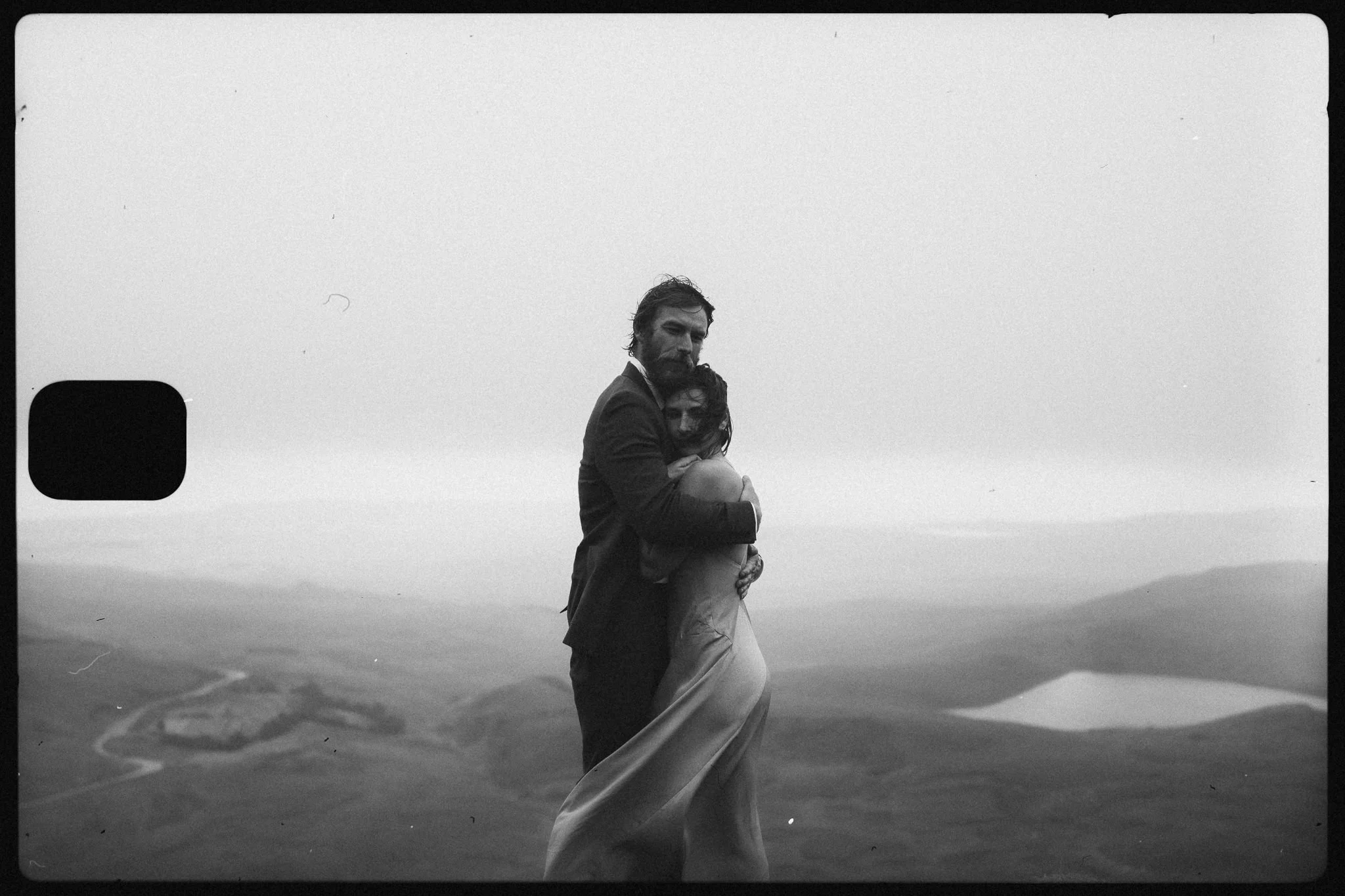
Image by Matt Pocknell Photogaphy
Edited with Quest 55 SuperEight and Quest Tools 07 - Filmic Borders
Iconic Light Leak Presets
Light leaks are one of the most evocative traits of Super8 film, beautiful imperfections that come from the nature of analog film handling. Light leaks happen when unintended light enters the camera body or film cartridge, exposing part of the film in an irregular pattern. In color film, they show up as orange, reds, yellows, and pinks because the film emulsion is hypersensitive to those tones. they can look like streaks, flares, bursts, or hazy washes of color or light that fade across the frame, usually at the edges or corners.
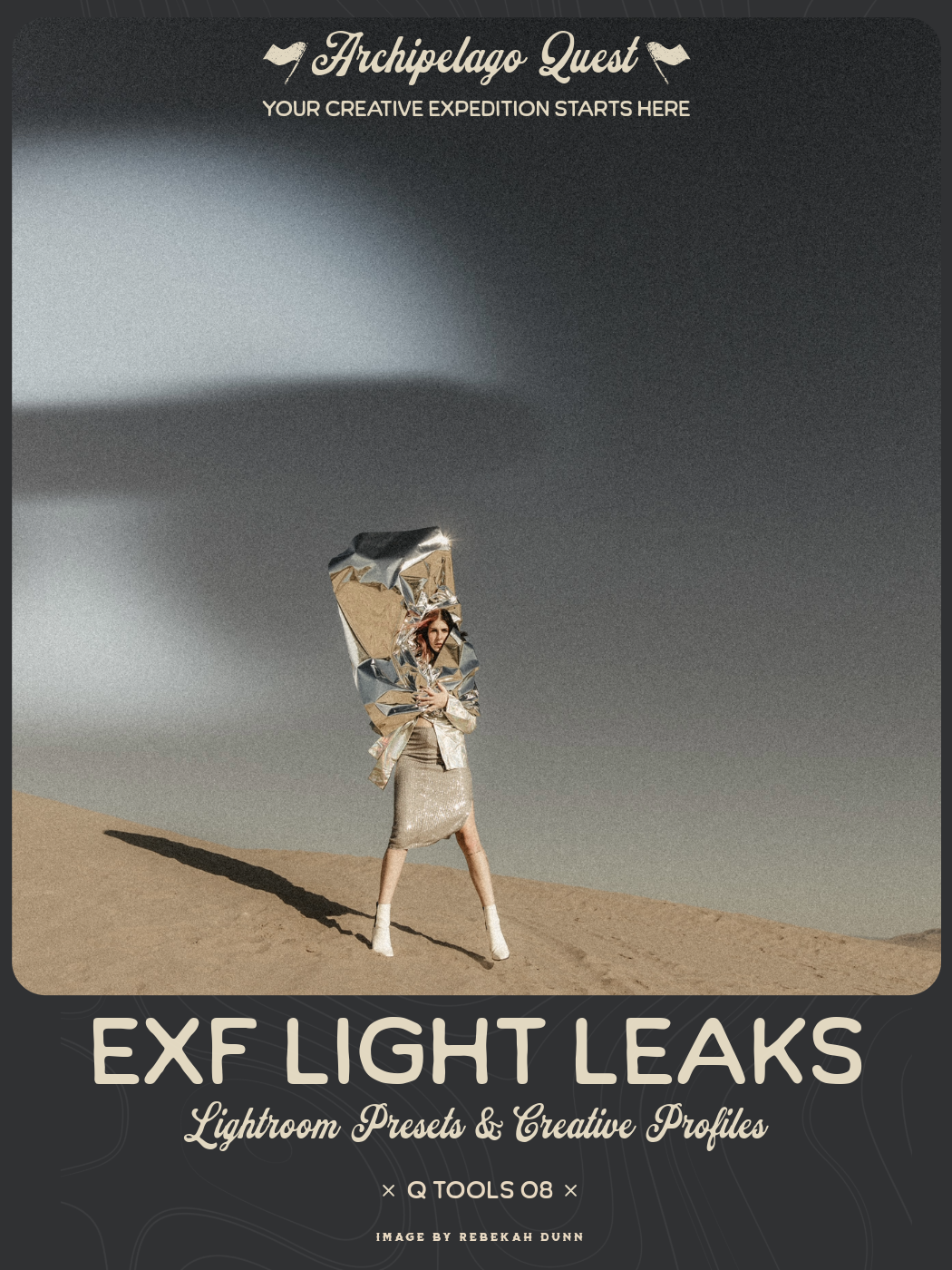
In film photography, a light leak occurs when unintended light exposes the film, resulting in unpredictable streaks, spots, or fogging within the image. Rather than being considered flaws, these imperfections can inject a vibrant sense of energy into the frame, contributing to the overall narrative of your photograph.
Introducing Quest Tools 08 ExF Light Leaks — a powerful tool that allows you to precisely control the appearance of these nostalgic visual effects in your images using Lightroom’s masking capabilities. The collection comprises eighteen light leak presets, offering a diverse range of styles, colors, and placements of light leak effects designed for seamless layering and adjustment within the masking panel.
Additionally, the set includes a Vintage Tone tool that can be effortlessly layered over any other preset. This transformative feature turns your edit into an analog-inspired masterpiece characterized by desaturated colors, muted dynamics, a gentle haze, and filmic grain.
Please note: Due to current limitations within the Masking feature of Adobe Camera Raw, it’s not possible to move an entire masking group, as such, we recommend using Lightroom Classic for the best experience when using masking tools.
Image by Flora Gibson Photography
Edited with Quest 55 SuperEight and Quest Tools 08 - ExF Light Leaks
ALL QUEST TOOLS JANUARY 2026
〰️ BOGO SALE 〰️
ALL QUEST TOOLS JANUARY 2026 〰️ BOGO SALE 〰️
Whether you’re editing your photos with the Quest 55 SuperEight preset collection by itself, or adding extra filmic magic to your edits with the aforementioned Quest toolsets, we hope you enjoy the nostalgic and unpredictable fun of SuperEight!
Don’t miss out on the BONUS LUTS FOR VIDEO that go with the SuperEight Presets! Match your video edits to your photos easily with these video editing LUTs!